The best enterprise no-code app builder isn't the one with the most features — it's the one that lets business teams move fast without making IT lose sleep. Most consumer-grade tools like Bubble or Glide are built for founders building startups, not for HR managers who need a compliant approval workflow by Friday. Kissflow is built from the ground up for enterprise use: every app runs inside a governed environment with role-based access controls, audit trails, and SOC 2, GDPR, and ISO 27001 compliance out of the box. Business teams get the speed they need. IT gets the visibility and control it requires. That combination is what separates a true enterprise no-code app builder from a tool that works great for demos but creates headaches at scale.
Yes — and this is probably the most common misconception about no-code platforms. People assume no-code means simple, but that's a limitation of older tools, not the category. Kissflow's no-code app builder supports multi-step approval chains, conditional logic, SLA-based escalations, parallel processing, and cross-departmental workflows that would take a development team weeks to build in traditional code. A finance team can build an expense approval app that routes differently based on amount, department, and employee level — all configured visually, without a developer. The honest caveat is that no-code has limits: if you need deeply custom algorithms or highly specialized system integrations, you'll hit a ceiling eventually. But for the internal business applications that most organizations actually need — purchase approvals, leave requests, vendor onboarding, IT service tickets — no-code handles the complexity just fine.
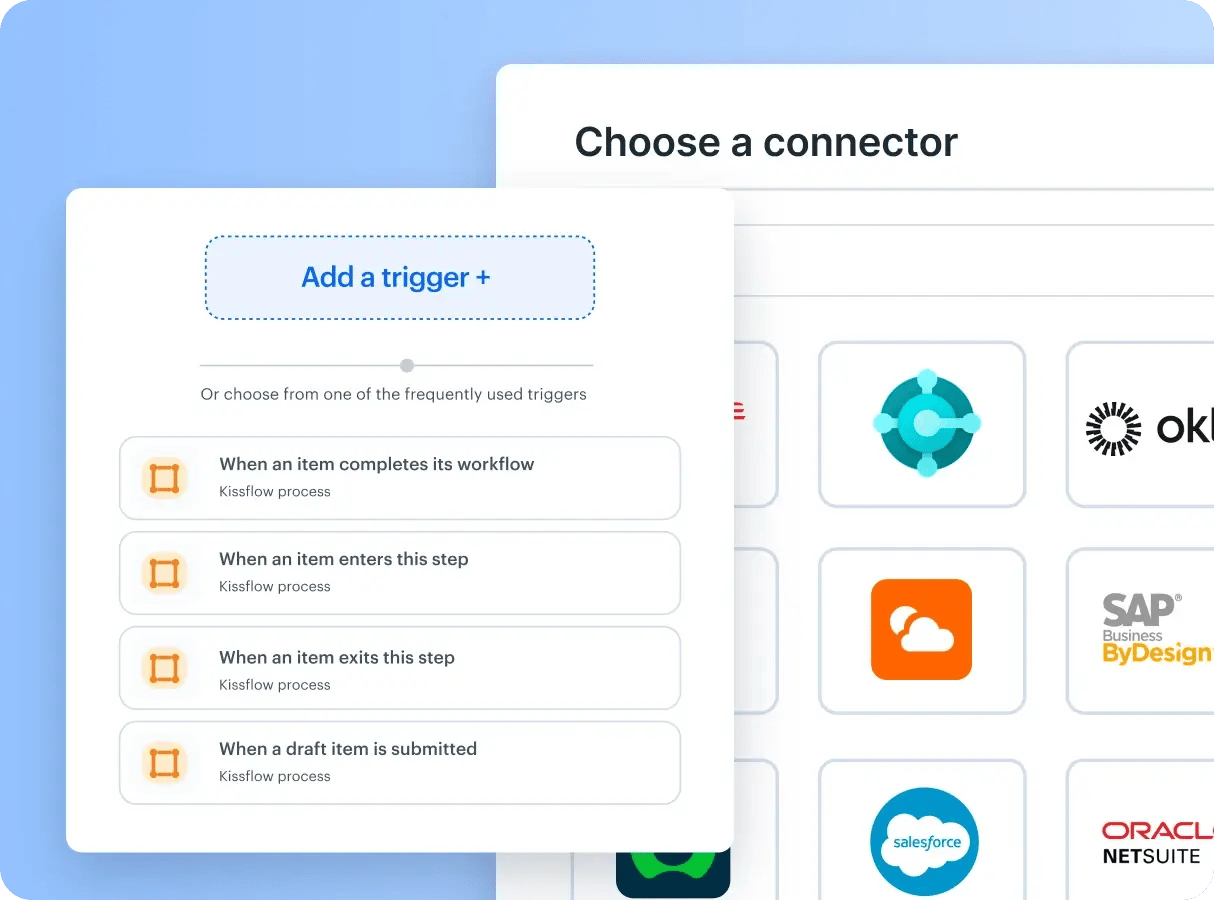
It's both, and that's intentional. Kissflow started as a no-code platform, which means business users can build complete applications without touching a line of code — drag-and-drop forms, visual workflow builders, pre-built templates, done. But Kissflow also supports low-code capabilities for IT teams and developers who need to extend what business users have built. Think of it this way: a department manager builds the app, and when IT needs to connect it to a legacy system or add custom business logic, they can do that without rebuilding everything from scratch. Forrester recognized Kissflow as a Strong Performer in its Wave for Low-Code Platforms for Citizen Developers, which reflects exactly that positioning — a platform where the business user is the primary builder, but IT still has room to operate when complexity demands it.
It depends on what you're building, but the timelines are genuinely short compared to traditional development. Simple apps — a form-based data collection tool, a basic approval workflow, an employee request tracker — can go from blank canvas to live in under an hour using Kissflow's pre-built templates. More complex departmental apps, like a multi-stage vendor onboarding system or a cross-team IT service request portal, typically take one to three days of configuration. That's not a marketing claim — it's what happens when you remove the back-and-forth between business teams and developers. The person who understands the process builds the tool, and they're not translating requirements through three rounds of meetings. Kissflow customers have reported going live with applications in under 30 minutes during their first session on the platform.
The core difference is who does the building and how much technical knowledge they need. A no-code app builder is designed for people with zero programming background — the interface is entirely visual, every action is point-and-click, and the platform handles everything underneath. A low-code platform assumes at least some technical ability: you still get visual tools and drag-and-drop components, but you'll also write scripts, configure APIs, or use developer-facing settings to get the behavior you want. In practice, the line between the two has gotten blurry because most mature platforms support both modes. Kissflow leans no-code for its primary audience — business users who just need to get work done — while keeping low-code capabilities available for IT teams when the use case demands it. If your main goal is letting non-technical employees build their own apps, start with no-code. If you need developers involved for customization and integration, you'll want a platform that handles both.
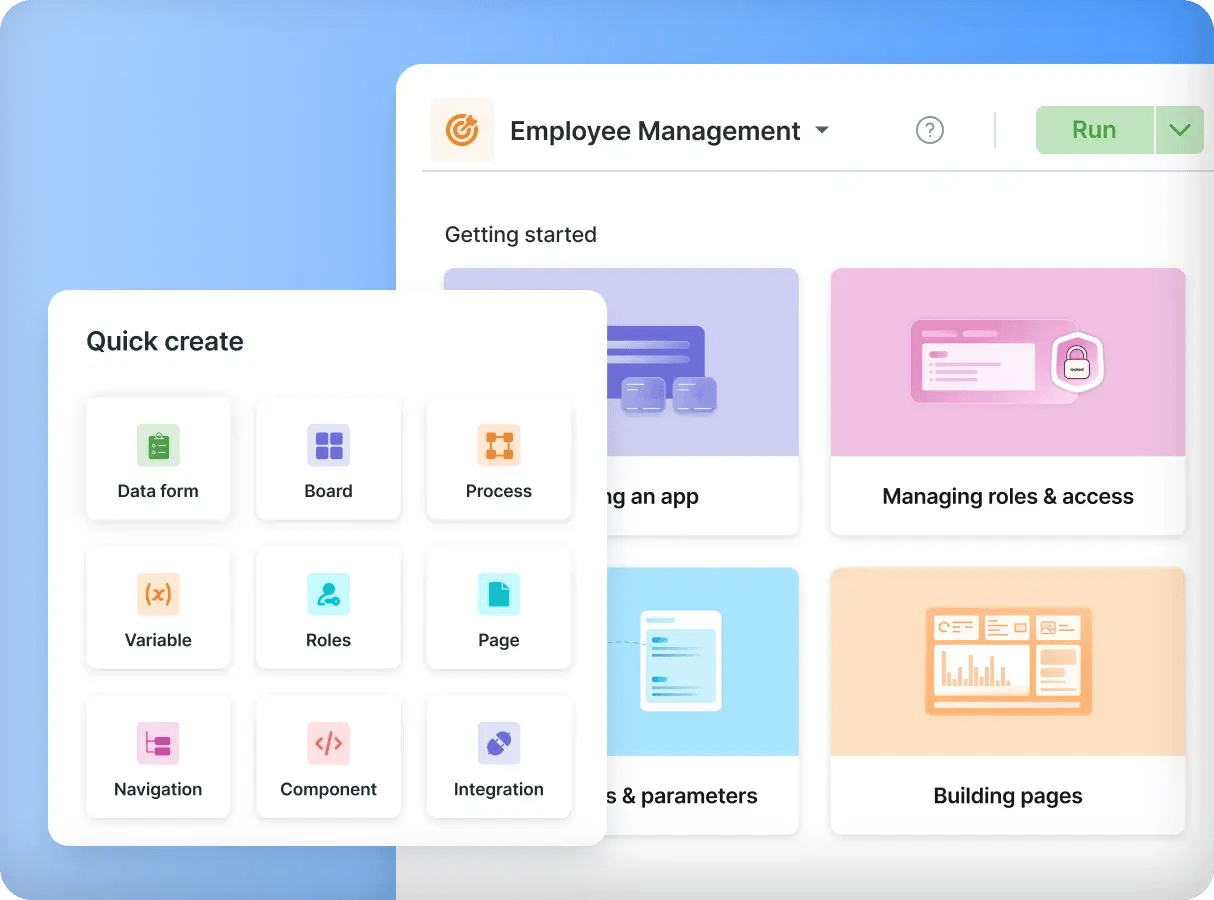
Application creator software is a tool that lets users build applications without traditional coding, using drag-and-drop functionality, pre-built templates, and automation features to simplify development. Businesses use it to create and customize applications that fit their specific needs, with faster deployment through a streamlined design and development process while maintaining scalability and integration with existing systems.
A low-code mobile app builder lets users create mobile applications without writing extensive code, providing tools for designing interfaces, integrating APIs, and automating workflows. Businesses use it to develop mobile apps quickly while ensuring compatibility across devices. Pre-configured UI elements and logic-based automation simplify creation, enabling organizations to build and deploy mobile applications efficiently with minimal coding effort.
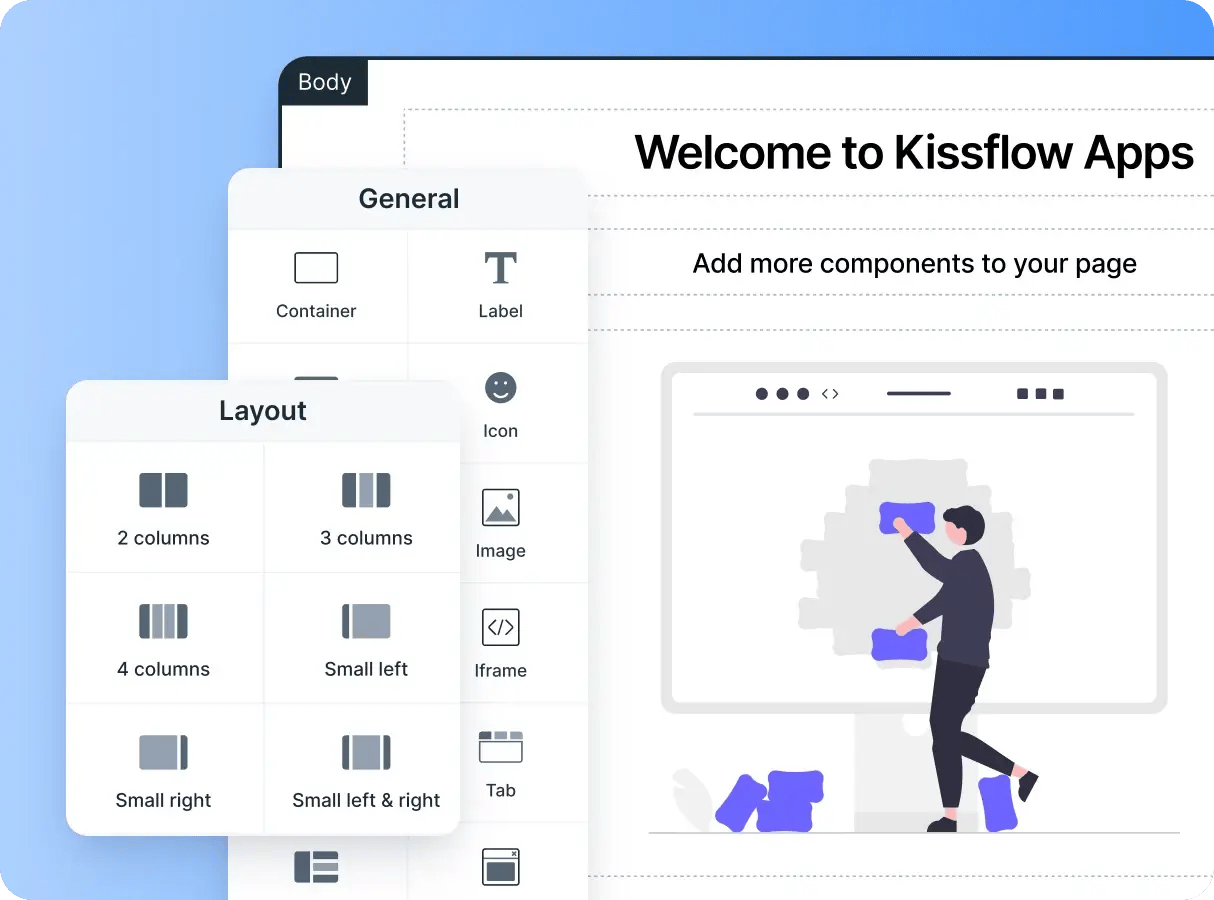
A web application builder is a tool that lets users create web-based applications without writing extensive code, providing a visual editor, customizable templates, and integration options to design responsive, scalable web apps. Businesses use it to build applications for customer interactions, internal processes, or data management, with drag-and-drop functionality and automated deployment simplifying the process while ensuring security and scalability.
A no-code application builder lets users create applications without writing any code, using a drag-and-drop interface, pre-built templates, and automation features to simplify development. Businesses use it to quickly build apps for internal workflows, customer engagement, and data management. Unlike low-code software, which allows some coding for deeper customization, no-code platforms are designed for users with no technical background.
Application maker software lets users create applications without extensive programming knowledge, offering an easy-to-use interface for designing forms, workflows, and automation. Low-code software is commonly used to develop applications faster while still allowing customization. An app builder simplifies the process with pre-configured modules and drag-and-drop components, enabling businesses to build applications with minimal coding for greater flexibility and efficiency.
Building an app with AI uses artificial intelligence to automate parts of the development process, such as generating code, suggesting UI designs, and optimizing workflows. AI-powered low-code software accelerates app development by reducing manual effort. An app builder with AI can assist design by analyzing user inputs and predicting the best components for a given use case, helping businesses create smarter, more efficient, and more functional applications.








 Application Builder
 Visual Modeling Tools
 Pre-built Apps
 Integrations
 Analytics
 Security

















.webp)