Enterprise governance built for the pace of AI app development
Kissflow gives IT one place to manage and audit every user, app, and integration on the platform

4.5/5

Trusted by enterprise teams worldwide

Governance that's baked in, not added on
Kissflow brings admin panels, user lists, and log exports to a central governance hub
One hub for the entire account
Admins get complete visibility across every object in Kissflow
See roles, groups, app access, integrations, and API keys
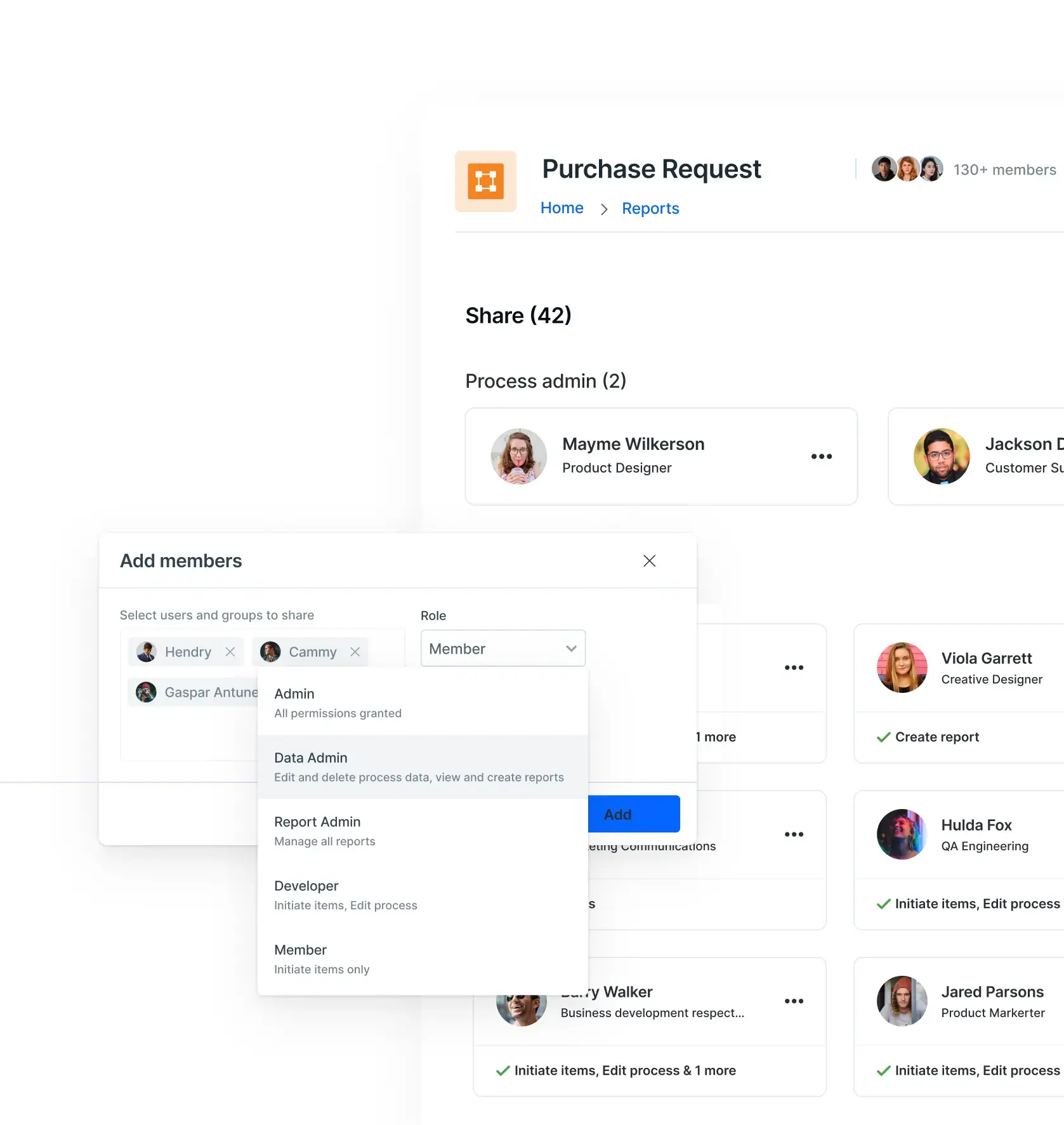
View and manage team structures and their access
Track apps, who built them, and how they are used
Monitor all workflows, their status, and who made them
View board activity and membership across the account
See how external portals are used and who has access
Get visibility into every dataset across applications
Manage and audit reusable lists across the platform
Monitor every external system connection and its status
Track API and access keys, expiry status, and access dates
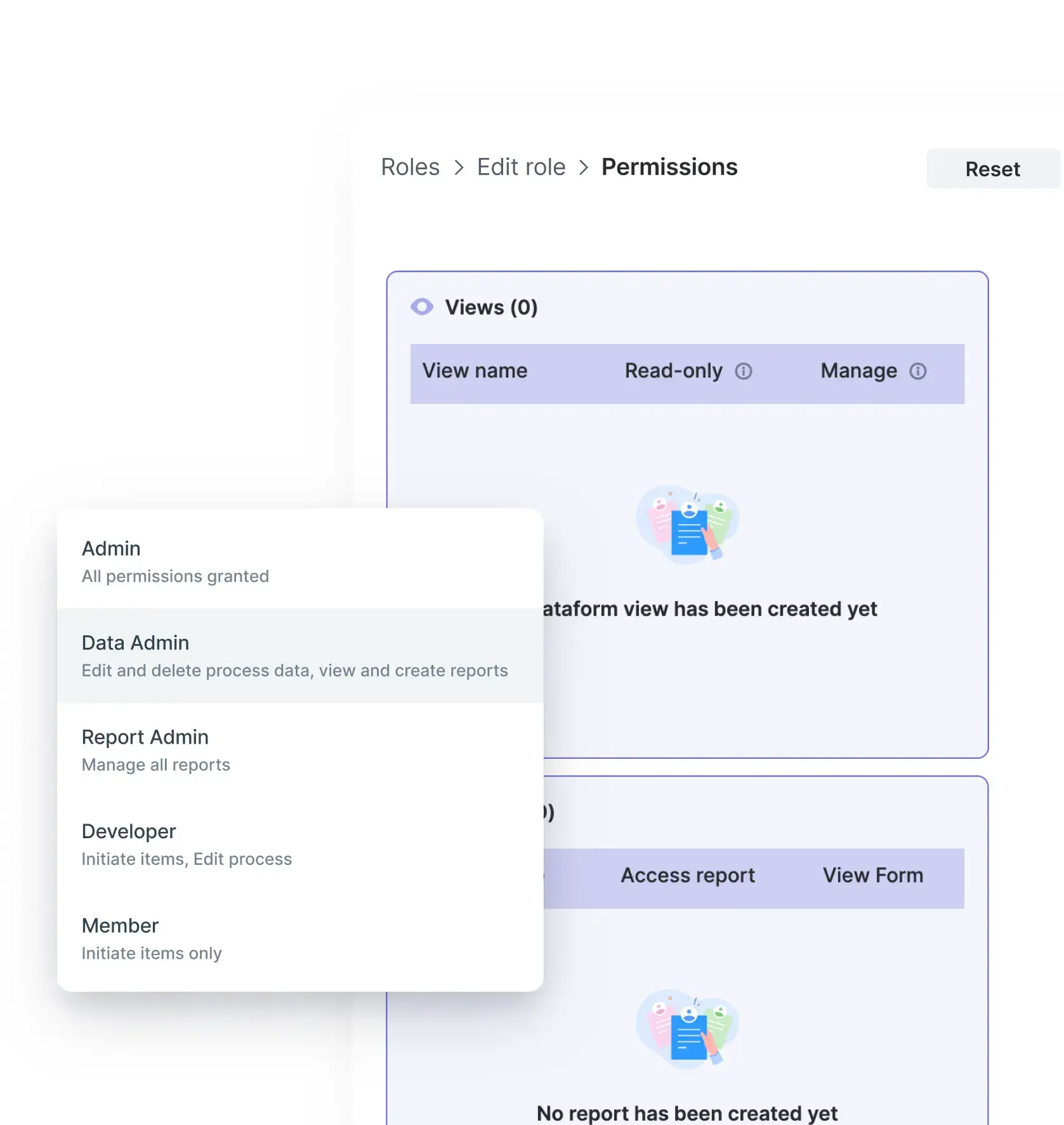
The controls IT needs to govern at scale
Companies trust Kissflow
to deliver lasting value
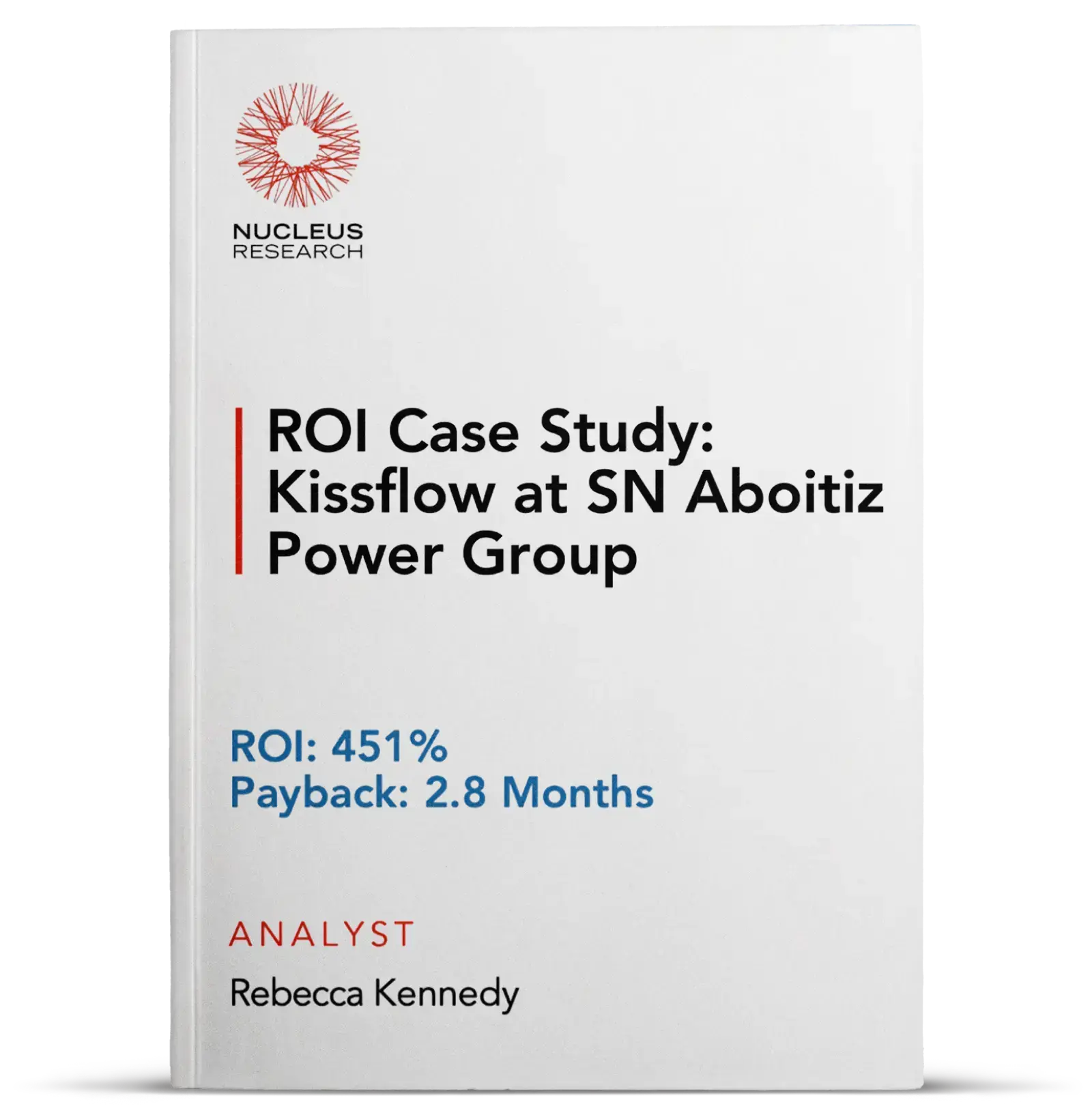
Award-winning 451% ROI
Validated by Nucleus Research
Fortune 500 companies
trust Kissflow
of customers stay with
us for 5+ years
Governance sits on top of enterprise-grade security
Governance is the visibility and control layer. Security is the infrastructure layer beneath it.
See how Kissflow handles enterprise security standards.


See what IT-level governance looks like in practice
Contact salesGot questions? We're here to help.
Whether you're exploring or ready to get started, our team is here to guide you every step of the way.
Get SupportAccount governance is available to Super Admins and IAM Admins. It is an Enterprise plan feature. Super Admins have full visibility and control across the account. IAM Admins have the same governance access but are scoped to user and identity management.
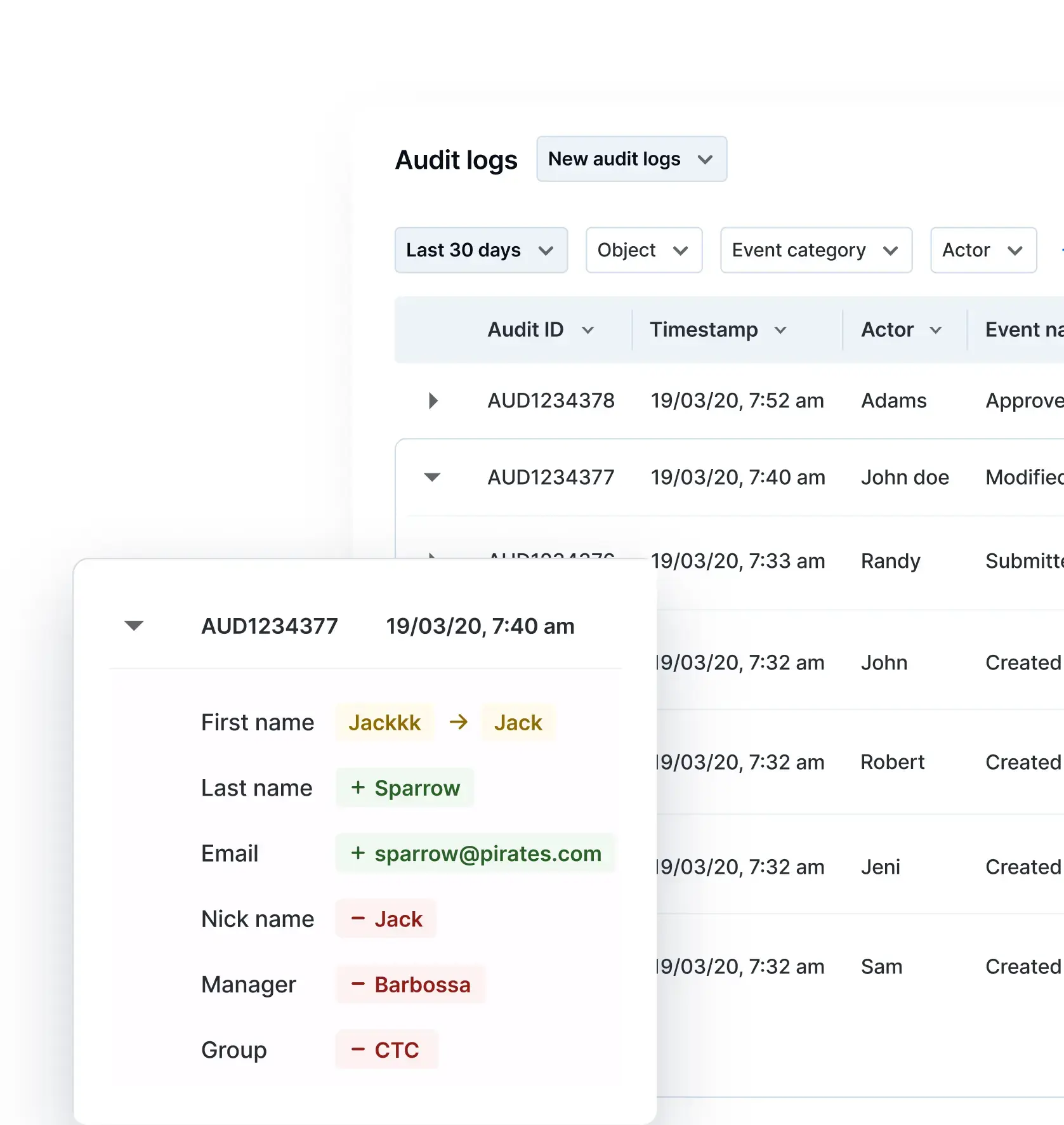
AI-driven changes are recorded in the same audit log as manual edits. The same fields apply: timestamp, actor, event type, object, and event category. There is no separate AI log. IT reviews everything in one place.
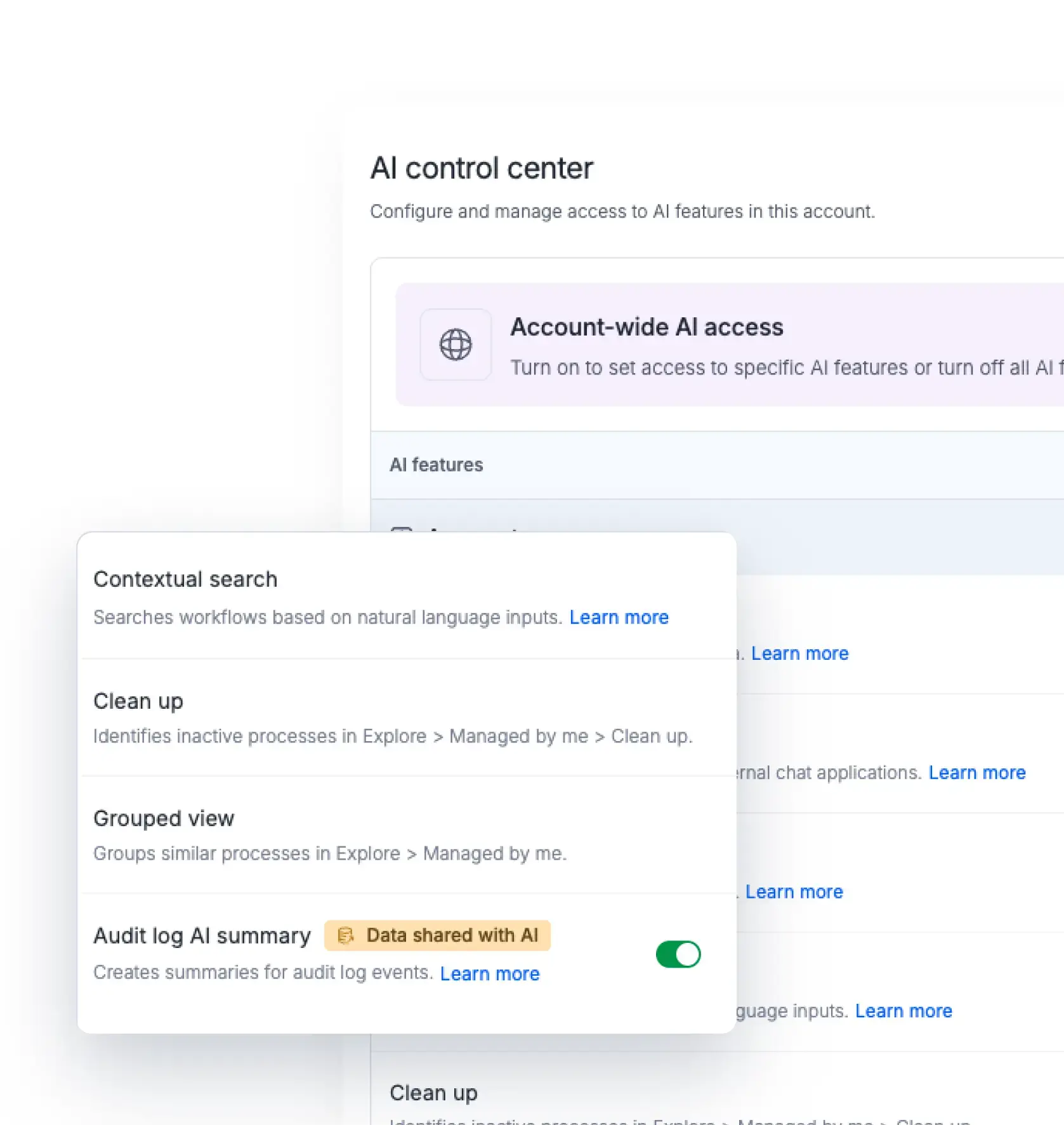
Yes. The AI control center lets Super Admins enable or disable individual AI features across the account. IT sets these controls before teams start building. Teams only see the AI capabilities IT has approved.
The unified audit log maintains a timestamped record of every action across the account, filterable by actor, event type, object, and time window. This record covers both manual and AI-driven changes. It gives IT the traceability needed for internal audits and regulatory reviews without exporting data from multiple sources.
Governance covers visibility and control over what is built, who has access, and what has changed across the application estate. Security covers the infrastructure layer: encryption, data handling, and compliance certifications. Kissflow provides both. The security and compliance page covers the infrastructure layer in detail.