


Online Workflow Creator That Eliminates Manual Tasks

Every team leader needs to be able to use a workflow creator to build efficient processes. However, most workflow builders available today are too simplistic or overly complex.

  • platform-rating
Low code platform - workflow creator

Trusted by 800+ enterprise brands

Logo Logo Logo

Why businesses use workflow creator tools
to increase efficiency

Card icon

Scale business operations

Handle higher workloads with a structured approach

Card icon

Design and manage multiple conditions

Build logic-based workflows that adapt to real business rules—without writing code.

Card icon

Design error-free repeatable task sequences

Eliminate manual mistakes and maintain consistent task execution.

Card icon

Increase efficiency by repeating tasks

Automate recurring activities and reduce time spent on routine work.

Card icon

Save time and the manual human input

Shift from spreadsheets and emails and minimize repetitive data entry.

Workflow creator for complex processes

How to Create a Workflow in 5 Simple Steps

With Kissflow, creating a workflow is simple

Card icon

Define Your Process

Start by identifying the business process you want to automate. Map out the sequence of tasks, decision points, and stakeholders. This clarity will guide your workflow design and ensure you capture all necessary steps.

Card icon

Choose a Template or Start Fresh

Browse our library of 100+ workflow templates covering HR, finance, operations, sales, and IT processes. Customize a template or build from scratch using the blank workflow canvas. Either way, you're in control.

Card icon

Design Your Workflow

Use the visual workflow builder to drag and drop tasks, forms, approval nodes, and automated actions. Configure routing rules, set approval hierarchies, define notification triggers, and add business logic using simple if-then conditions.

Card icon

Connect Your Tools

Integrate your workflow with other business applications. Pull data from your CRM, update records in your ERP, send notifications via Slack, or trigger actions in any connected system. Kissflow connects your entire workflow ecosystem.

Card icon

Test and Launch

Run test workflows to validate the process flow. Invite stakeholders to review the workflow and provide feedback. Once everything works perfectly, publish your workflow and watch your team productivity soar.

Powerful Features That Make Workflow Creation Simple

Build structured workflows that reduce delays, cut down manual tasks, and help your team focus on outcomes.

Workflow Design

Visual workflow design that keeps things simple

  • blue-tick-new

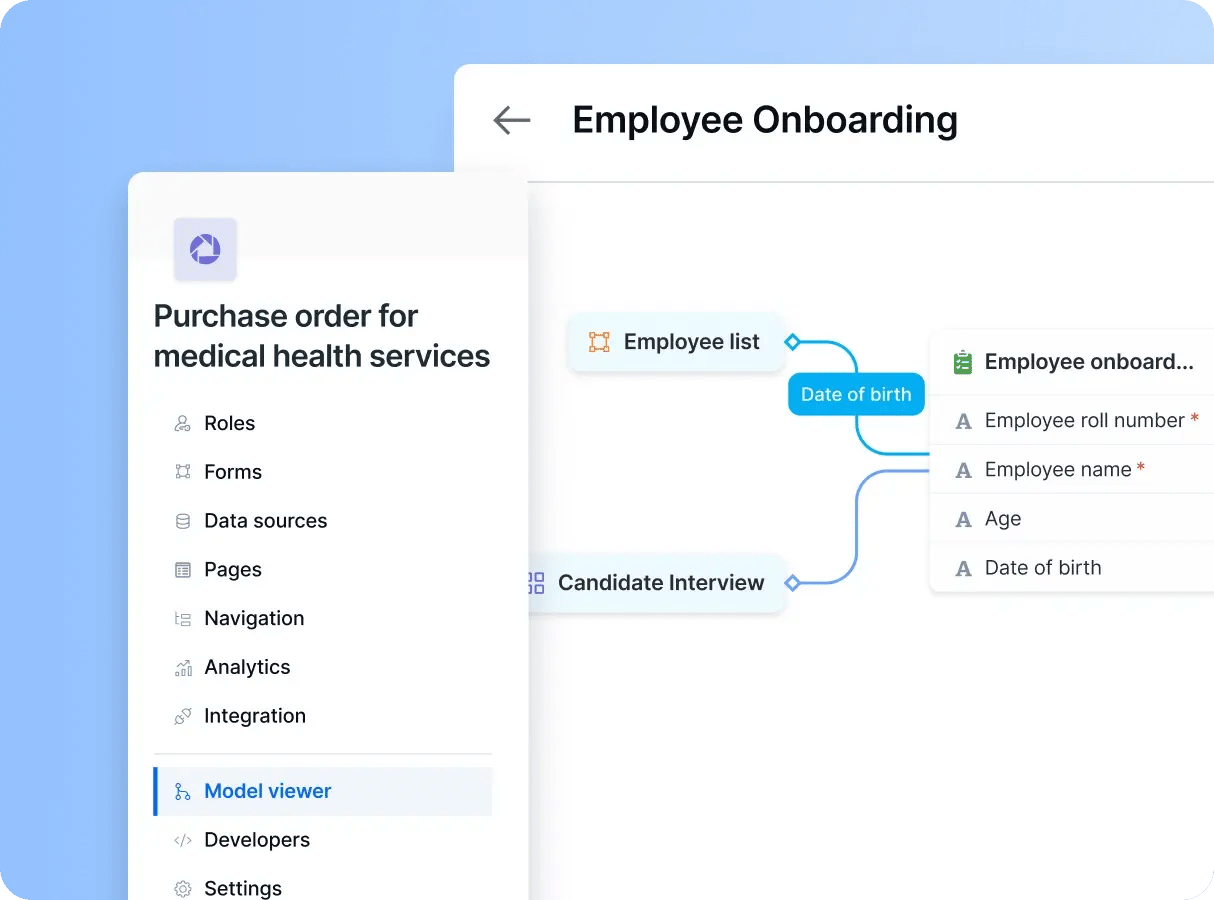
    Use Kissflow’s drag-and-drop workflow creator to design business processes quickly—no programming knowledge needed.

  • blue-tick-new

    Whether you’re outlining approvals, tracking requests, or organizing tasks, the visual builder helps you map each step clearly and efficiently.

  • blue-tick-new

    It shortens the setup time and lowers your dependency on IT for internal process automation.
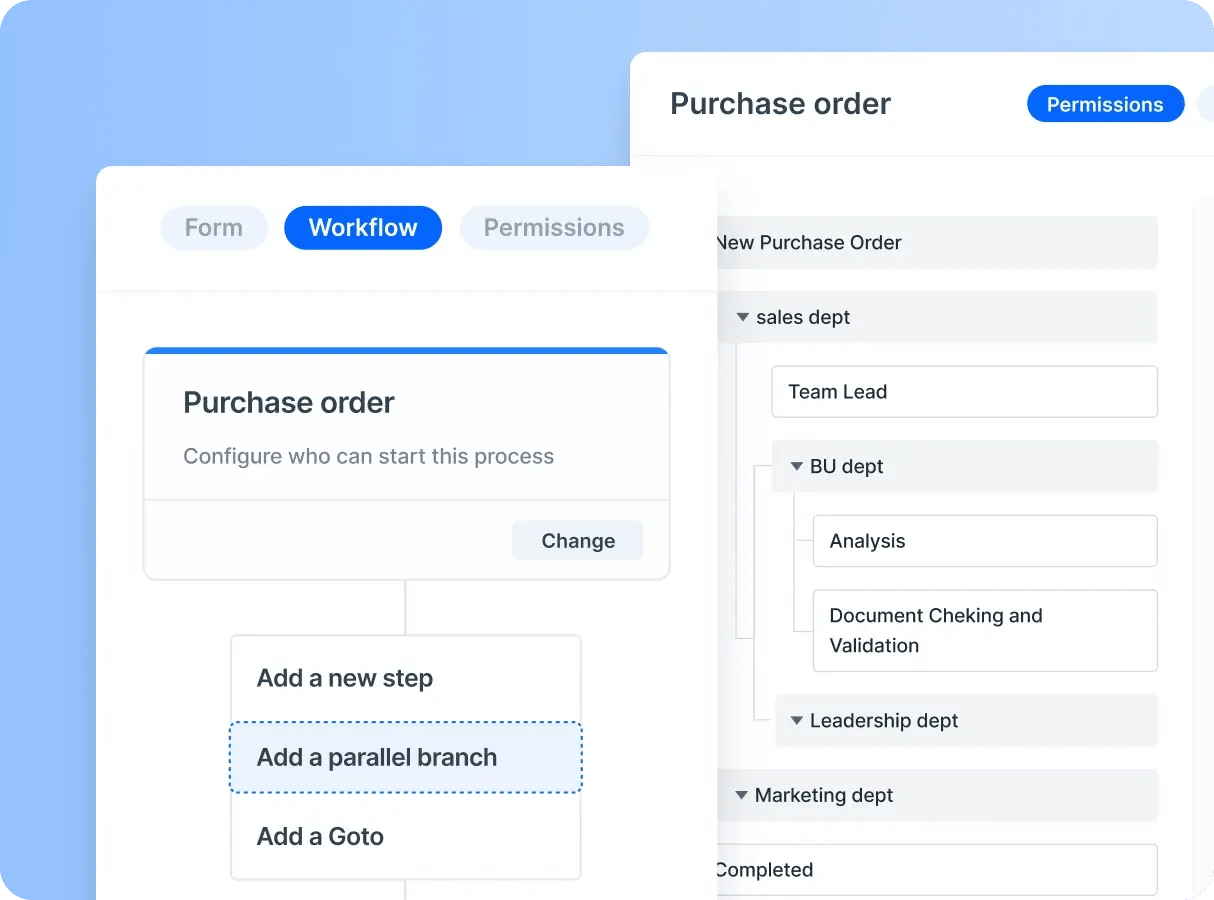
Example of workflow design
Team Management

Task clarity and accountability

  • blue-tick-new

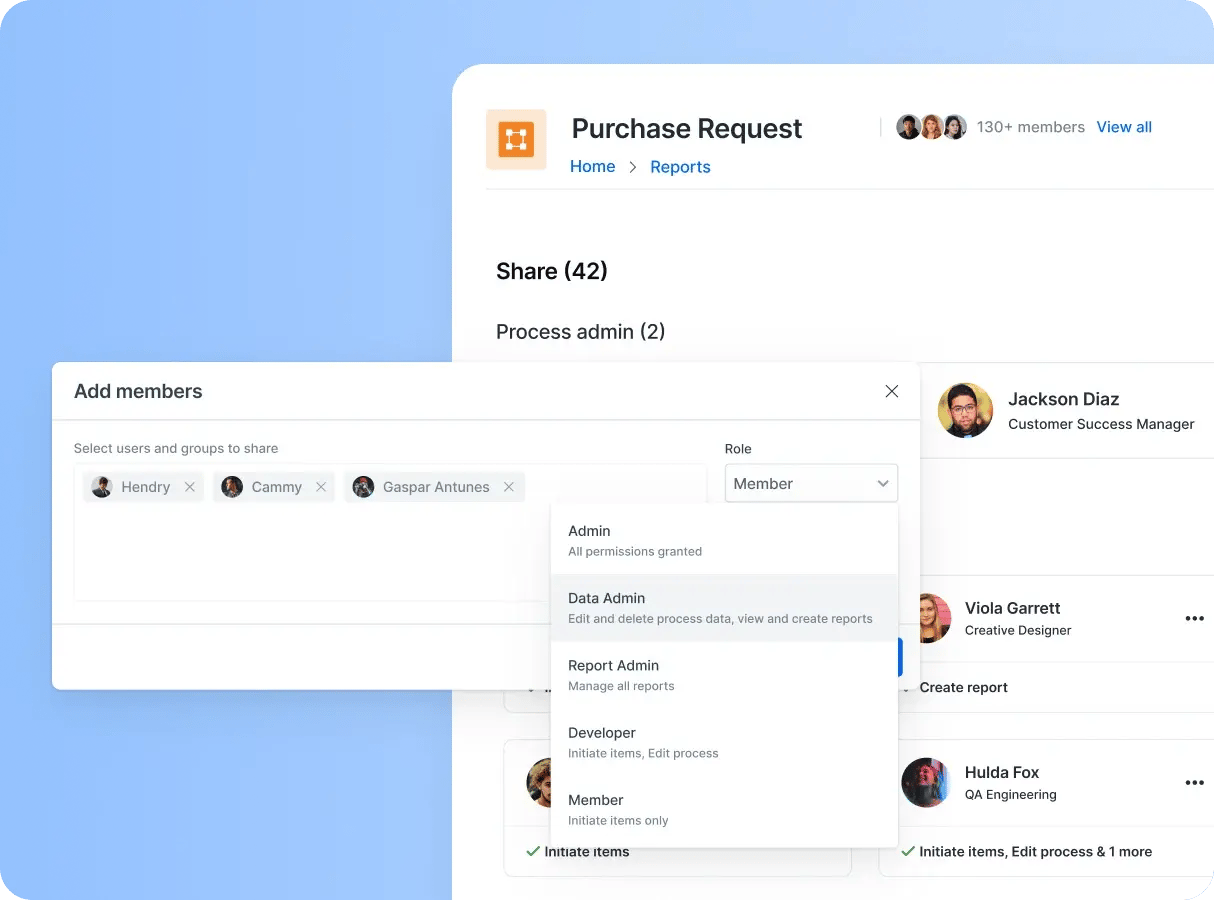
    Assign responsibilities automatically, set deadlines, and give everyone visibility into their tasks.

  • blue-tick-new

    Kissflow's intuitive task management system lets you define ownership and expectations for every workflow.

  • blue-tick-new

    This reduces confusion, avoids dropped tasks, and ensures that every stakeholder stays aligned from start to finish.

workflow creator - team management
Powerful Automation

Automation that removes bottlenecks

  • blue-tick-new

    With built-in automation rules, eliminate repetitive manual steps.

  • blue-tick-new

    Whether routing approvals based on logic, triggering notifications, or updating records across systems, Kissflow helps smooth operations and free up time for more strategic work

  • blue-tick-new

    Automation enhances accuracy and shortens turnaround times.

Workflow creator - powerful automation
Integration

Connected systems for unified operations

  • blue-tick-new

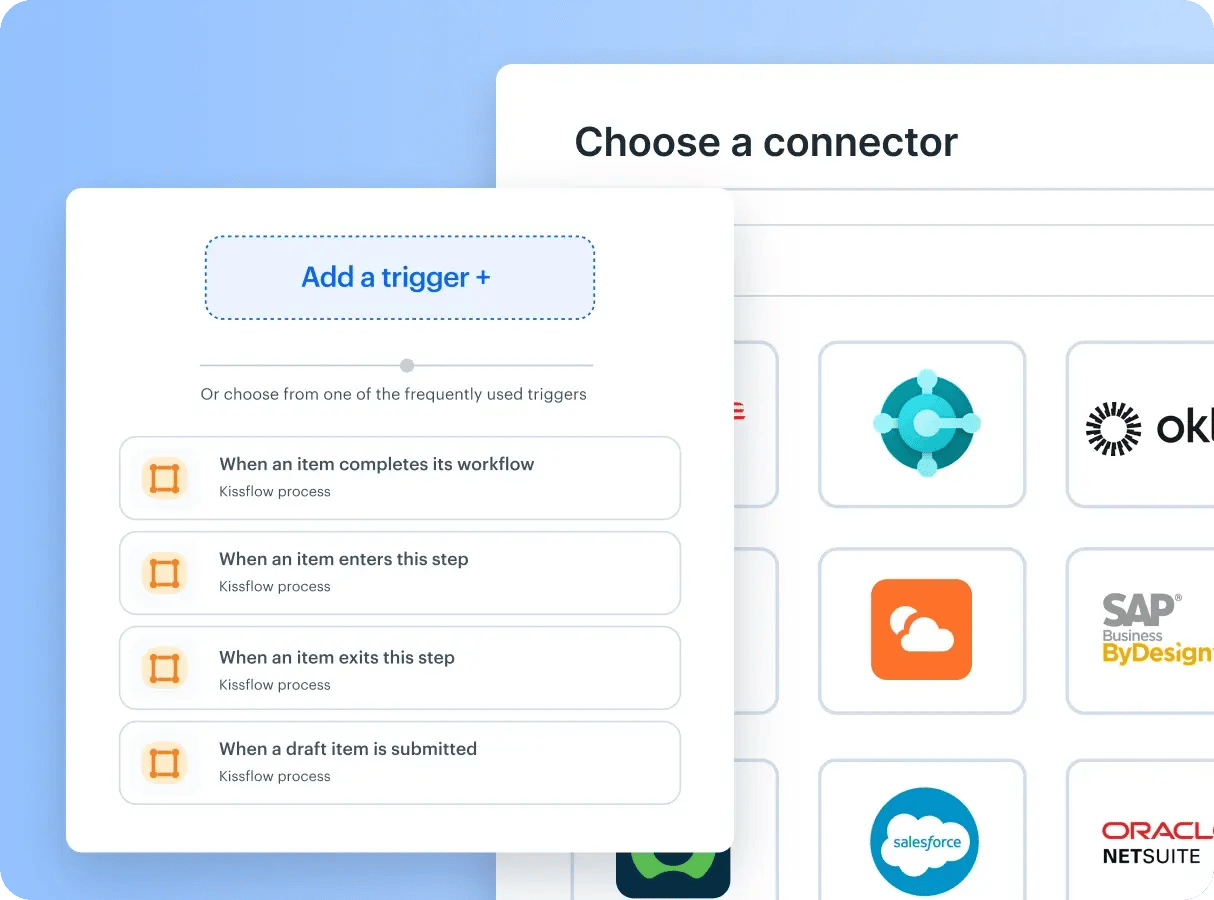
    Integrate Kissflow with the applications your teams already use to maintain consistency across your business tools.

  • blue-tick-new

    Whether it’s a CRM, ERP, or communication tool, Kissflow’s integration options ensure a cohesive flow of information.

  • blue-tick-new

    Data stays synchronized and users avoid context switching or duplicate work.

workflow creator - integration

Building apps with fusion teams

Fusion teams are a blend of business and technology experts who come together to build custom solutions

CIOs/IT Leaders

If you have a huge backlog of internal applications
and processes to be built

Kissflow is the IDEAL platform for

  • Building dozens of custom applications
  • Automating simple to complex processes
  • Handling ticketing and support requests

Trusted by

Logo Strip - Mobile-2

CDO/Transformation Leaders

If you want to accelerate app development
and reduce manual coding efforts

Kissflow is the right choice for your team

  • Delivers 10x productivity
  • Uses AI to automate repetitive tasks
  • Integrates smoothly with enterprise systems

Trusted by

Logo Strip - Mobile-3

Process Owners

If you need to streamline workflows
without relying on IT

Kissflow is the right choice for your team

  • Automates simple to complex processes
  • Provides no-code tools for faster execution
  • Enhances operational efficiency with AI

Trusted by

Logo Strip - Mobile-3

Business Users

If you need a user-friendly platform
to simplify daily tasks

Kissflow is the right choice for your team

  • Requires no coding to create and modify processes
  • Uses AI to automate and optimize work
  • Improves efficiency with intuitive workflows

Trusted by

Logo Strip - Mobile-3

Building apps with fusion teams

Fusion teams are a blend of business and technology experts who come together to build custom solutions

Low-Code Platform for IT Leaders / Heads

CIOs/IT Leaders

If you have a huge backlog of internal applications
and processes to be built

Kissflow is the IDEAL platform for

  • Building dozens of custom applications
  • Automating simple to complex processes
  • Handling ticketing and support requests

Trusted by

Logo Strip - Desktop-1
Low code platform for Developers

CDO/Transformation Leaders

If you want to accelerate app development
and reduce manual coding efforts

Kissflow is the right choice for your team

  • Delivers 10x productivity
  • Uses AI to automate repetitive tasks
  • Integrates smoothly with enterprise systems

Trusted by

Logo Strip - Desktop-2
process owners to build required custom apps

Process Owners

If you need to streamline workflows
without relying on IT

Kissflow is the right choice for your team

  • Automates simple to complex processes
  • Provides no-code tools for faster execution
  • Enhances operational efficiency with AI

Trusted by

Logo Strip - Desktop-2
User friendly platform for Business users

Business Users

If you need a user-friendly platform
to simplify daily tasks

Kissflow is the right choice for your team

  • Requires no coding to create and modify processes
  • Uses AI to automate and optimize work
  • Improves efficiency with intuitive workflows

Trusted by

Logo Strip - Desktop-2

Here's what our customers say

Discover real-world success stories that showcase how Kissflow drives results and empower businesses to thrive.
Stacks image
FPH

We seek to go beyond incremental efforts not only in sustainability but also in everything we do. With Kissflow, FPH and its subsidiaries were able to digitize dramatically major operations, especially in their finance and accounts operations.

Joseph Arnel Chavez

Assistant Manager

Industry

Energy & Utilities

HeadQuaters

Philippines

Key Highlights

100+

Office Processes Automated

1,000+

Monthly Paperless Processes

10,000+

Employees

Stacks image
Mcdermott-Apr-19-2023-11-38-34-3467-AM

This is so easy, even my mom could do this. It was extremely intuitive and straightforward. The watermark was, 'I don't need to call IT to do this. I can do it myself.

Renee Villarreal

Senior IT Manager

Industry

Energy

HeadQuaters

USA

Key Highlights

450+

Process

10x

ROI

10,000+

Users

Stacks image
SBTelecom-America_logo

The beauty of Kissflow is how quick and easy it is to create the apps I need. It's so user-friendly that I made exactly what I needed in 30 minutes.

Oliver Umehara

IT Manager

Industry

Telecom & Media

HeadQuaters

Japan

Key Highlights

28+

Processes

42

Group Companies

70+

Users

Become the Workflow Hero Your Team Needs

Frequently Asked Questions About Workflow Creators

A workflow creator is a visual tool that lets you design and automate business processes without coding. It uses a drag-and-drop interface to map tasks, set rules, assign responsibilities, and create automated workflows that guide work through your organization from start to finish.

Workflow Builder works by connecting systems, automating repetitive tasks, and providing visibility into business processes. Modern platforms like Kissflow use visual builders and integrations to make implementation fast and easy.

Yes, Kissflow's workflow creator is completely no-code. You can design complex business workflows using visual drag-and-drop tools, pre-built templates, and automated routing rules without writing a single line of code or requiring IT assistance.

You can create unlimited workflow types including approval workflows, request management, employee onboarding, procurement processes, content approval, sales workflows, HR processes, finance approvals, project management, and any custom business process specific to your organization.

A workflow creator provides visual tools for designing custom workflows with complete control over every step. A workflow generator typically uses templates or automation to create basic workflows automatically. Kissflow combines both approaches, offering pre-built templates that you can customize using our visual workflow creator.