Workday Fee Payment Status Sync Software for Student Financial Services
Kissflow compares fee payment status between Workday and downstream systems on a schedule, flags a mismatch the moment it appears, assigns it for investigation, and documents the reconciliation, so the portal and Workday agree before a confused student calls to ask why.
Trusted by leading universities worldwide






A system-to-system disagreement that gets caught and reconciled, not discovered by a complaint
Workday says the payment posted. The student portal still shows a balance due. One of them is wrong, and finding out which one used to take a phone call to IT, followed by a manual trace through both systems.
A status mismatch sits until someone happens to notice it, because no one is assigned to catch it. When a mismatch does get fixed, there's rarely a record of which system was wrong or what correction was made. A specific integration point can keep producing the same discrepancy, but without pattern reporting, it never gets root-caused, just patched again.
Kissflow compares fee payment status between Workday and downstream systems on a schedule, flags a mismatch the moment two systems disagree, assigns it to the person responsible for that system pairing, and documents the reconciliation before closing it. Workday remains the system of record for the payment transaction itself; Kissflow does not write back into Workday, it governs the human reconciliation workflow when Workday and a downstream system disagree.
What a two-system disagreement costs without a reconciliation workflow
Mismatches get discovered by the student, not the system
A student calls confused about a balance because Workday and the portal disagree, and staff find out from the complaint.
No one owns the reconciliation
A status mismatch sits until someone happens to notice it, because no one is assigned to catch it.
Corrections aren't documented
When a mismatch does get fixed, there's no record of which system was wrong or what was corrected.
The same mismatch keeps recurring
A specific integration point keeps producing discrepancies, but without pattern reporting, it never gets root-caused.
Six modules. Built for how a two-system disagreement actually needs to get resolved.
Every module ships with default forms, comparison logic, integrations, and dashboards. Configure each one to your system pairings in the visual builder.
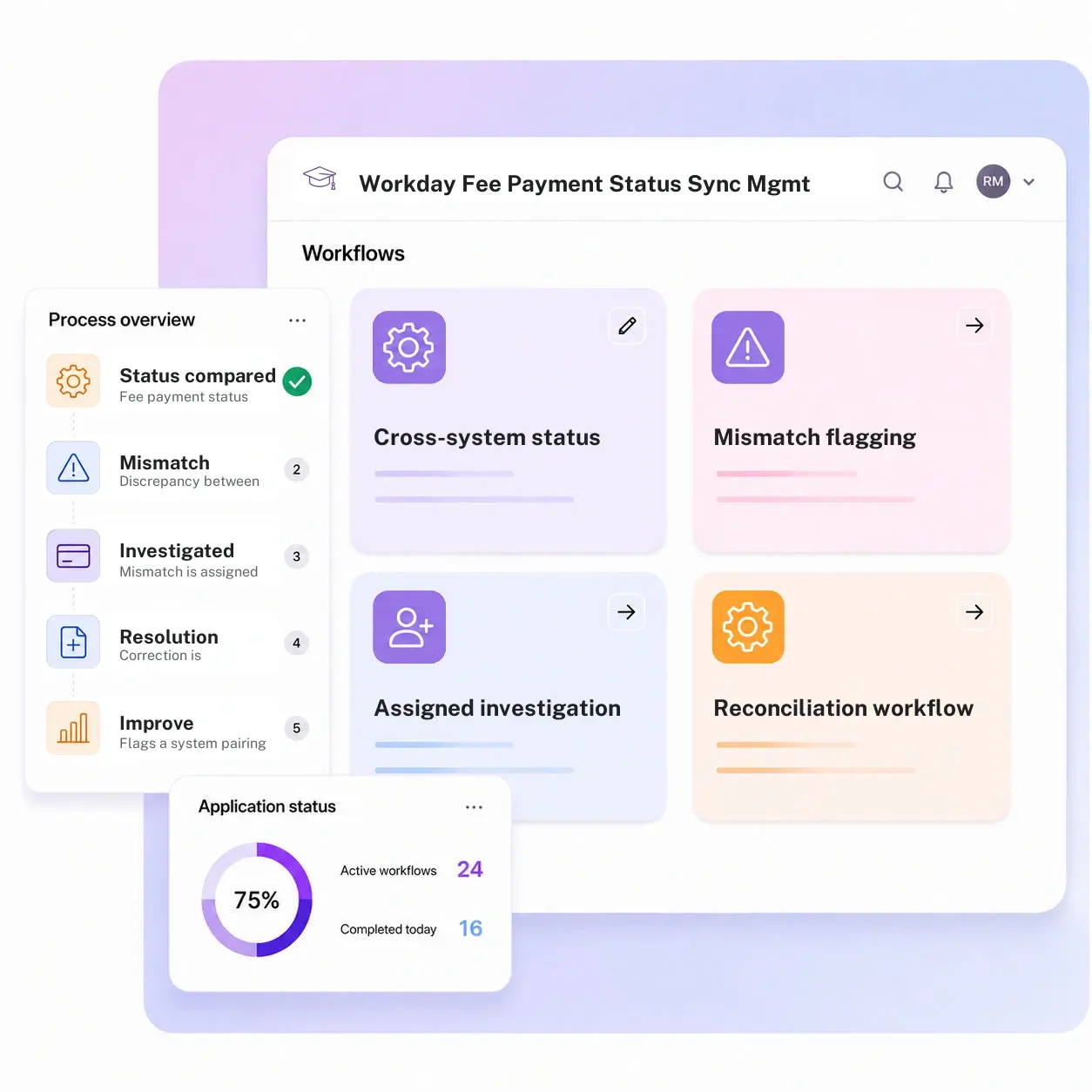
Cross-system status comparison
Compares fee payment status between Workday and downstream systems, the portal, your SIS, on a schedule.
Mismatch flagging
Flags a discrepancy the moment two systems disagree on a student's payment status.
Assigned investigation
Routes a flagged mismatch to the person responsible for reconciling that specific system pairing.
Reconciliation workflow
Documents which system was correct and what correction was made before the mismatch is closed.
Mismatch history register
Keeps a running record of every discrepancy and its resolution, by system pairing.
Recurring-mismatch reporting
Flags a system pairing or status type that keeps producing discrepancies, so the root cause gets fixed, not just the symptom.
From request to system of record in four steps
Report

Fee payment status in Workday is compared against downstream systems on a schedule, and a discrepancy is flagged the moment it is detected.
Assess

The mismatch is assigned to the person responsible for that system pairing for investigation.
Resolve

The two systems are reconciled and the correction is applied so the portal and Workday agree.
Record

The resolution is documented against the record, and recurring mismatch patterns roll into reporting.
What changes when reconciliation runs on Kissflow
| Process | Before Kissflow | On Kissflow |
|---|---|---|
| Status comparison | Not checked unless someone happens to look | Compared automatically on a schedule |
| Mismatch detection | Discovered by a confused student calling in | Flagged the moment two systems disagree |
| Investigation ownership | No one specifically assigned to catch it | Routed to the owner of that specific system pairing |
| Reconciliation | Fixed informally, with no record of the correction | Documented, including which system was wrong and why |
| History | No searchable record of past mismatches | A full register by system pairing and resolution |
| Pattern reporting | The same mismatch quietly recurs | Recurring pairings flagged for root-cause fixes |
Connects to Workday and downstream systems; Workday stays the system of record
Kissflow does not write back into Workday and does not replace it as the system of record for the payment transaction. It governs the human reconciliation workflow that runs when Workday and a downstream system disagree.
.svg)



.svg)
.svg)
.svg)
.svg)

.svg)
.svg)
.svg)
.svg)
.svg)

.svg)

.svg)

.svg)
.svg)
.svg)
.svg)
.svg)
.svg)
.svg)
.svg)
.svg)

.svg)
Built for how a two-system disagreement actually happens
Caught by comparison, not by complaint
A scheduled comparison catches a mismatch before a student notices it on their own portal.
A documented reconciliation, not a quiet fix
Every correction records which system was wrong and what was done about it.
An ERP-adjacent reconciliation layer
Workday remains the system of record for the transaction. Kissflow does not write back into it, it governs the human review when systems disagree.
Live before your next reconciliation cycle
Student financial services and IT staff configure system pairings and comparison schedules in the visual builder.
Recurring mismatches surface, not just individual ones
A system pairing that keeps producing the same discrepancy gets flagged for a root-cause fix.
Built for shared ownership between finance and IT
Student financial services and IT see the same mismatch record with their own view of the investigation.
Related apps
Student Fee Status Update and Alert Management System
Threshold-based fee status alerting and escalation for bursar and registrar teams.
Create Student Billing Profile Management System
Trace a mismatch back to how the underlying billing profile was created.
Faculty Access Entitlements in IAM Management System
See the same ERP-adjacent governance approach applied to system access instead of payment reconciliation.
We help student financial services and IT teams agree on one answer to a two-system disagreement
.gif)

“If a company cannot enable everybody to use AI, they will never get the true benefit of AI. Platforms like Kissflow allow us to put that capability in the hands of our users in a safe way.”
Vagesh Dave
GVP & CIO at McDermott International, Ltd
See The Full Story

“Advanced automation of all processes is easy to set up. I cannot imagine how to manage workflows without this software.”
Tanay Tiwary
Global Head - Digitalization & Business Improvement
See the Full Story

“Kissflow supports rapid application development by building a working application prototype in the shortest amount of time.”
Maria Theresa Cabigon
CIO, SN Aboitiz Power Group
See The Full Story
See what Kissflow can do for you
Talk to usGot questions? We're here to help.
Get SupportNo. Workday remains the system of record for the payment transaction. Kissflow flags a mismatch and manages the human reconciliation workflow that decides what correction is needed, applied by staff through Workday's own process.
This app resolves disagreements between systems about what the fee status actually is. Student Fee Status Update and Alert notifies people, bursar, registrar, the student, once a status crosses a threshold. One is about which system is right; the other is about who gets told.
On a schedule your institution configures, from near-real-time to a daily batch, depending on how the systems involved sync.
The person responsible for the specific system pairing involved, assigned automatically based on which two systems disagree.
Yes. System pairings, comparison schedules, and investigation routing are configured in the visual builder, and the AI Builder can generate a starting workflow from a plain-language description of your reconciliation process.
Through APIs and integration connectors, under single sign-on and role-based access, with every comparison, flag, and reconciliation written to an audit log.
Configuration and AI-assisted setup move rollout to weeks, without a Workday implementation project.
Kissflow is certified to SOC 1, SOC 2, SOC 3, and ISO/IEC 27001, supports HECVAT review for procurement, and is built to support FERPA and GLBA Safeguards obligations, with data residency options in the US, EU, APAC, and Oceania.











