Create and Update Canvas Access Software for Registrar and IT Teams
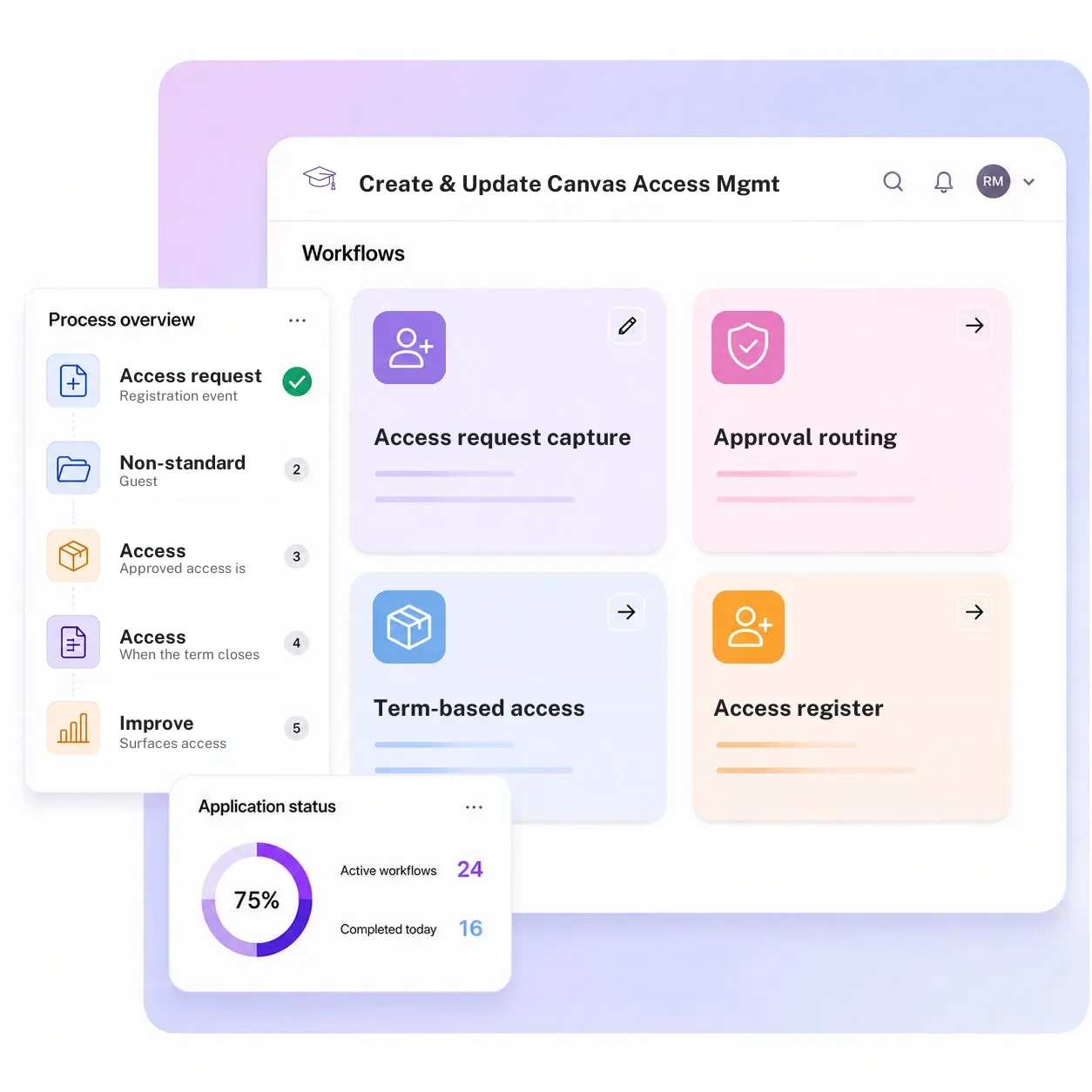
Kissflow schedules Canvas course access to activate the moment registration clears and deactivate when the term closes, routes non-standard requests like guest or TA access for instructor approval, and keeps a register showing exactly who has access to which course shell and why.
Trusted by leading universities worldwide





Access that turns on and off with the term, not with a help desk ticket
Canvas access has an on switch and an off switch, and for years the only thing operating both has been a help desk ticket. A student who clears registration doesn't get Canvas access until someone processes the request separately, and access from a completed term stays open until someone notices and files a ticket to remove it.
A guest, auditor, or TA access request gets granted without the instructor or department consistently signing off first. Stale access that nobody remembers granting shows up as a finding during a security review, not because anyone meant to leave it open, but because nothing was watching the calendar.
Kissflow schedules Canvas access to the academic term, activating when registration clears and deactivating when the term closes automatically, routes non-standard access for approval, and keeps a register of who has access to which course shell and why. Canvas remains the system where the access itself lives; Kissflow governs the request, approval, and scheduled deactivation around it, so access doesn't outlive the reason it was granted.
What Canvas access looks like without a scheduling layer
Access activation depends on a manual step
A student cleared for registration doesn't get Canvas access until someone processes the request separately.
Deactivation waits on a help desk ticket
Access from a completed term stays open until someone notices and files a ticket to remove it.
Non-standard access isn't consistently approved
A guest or auditor access request gets granted without the instructor or department signing off.
Stale access accumulates unnoticed
Access nobody remembers granting shows up as a finding during a security review.
Six modules. Built for how Canvas access actually needs to track the term.
Every module ships with default forms, scheduling logic, integrations, and dashboards. Configure each one to your academic calendar in the visual builder.
Access request capture
A registration event, TA assignment, or guest-access request triggers a Canvas access request.
Approval routing
Routes to the instructor or department for non-standard access, guest, auditor, TA, before it's granted.
Term-based access scheduling
Schedules access to activate when registration clears and deactivate when the term closes.
Access register
Keeps a running record of who has access to which course shell, and why.
Automatic term-end deactivation
Removes access on schedule instead of waiting for a help desk ticket to catch it.
Access exception dashboard
Surfaces access that was never deactivated, before it becomes an audit finding.
From request to system of record in four steps
Submit
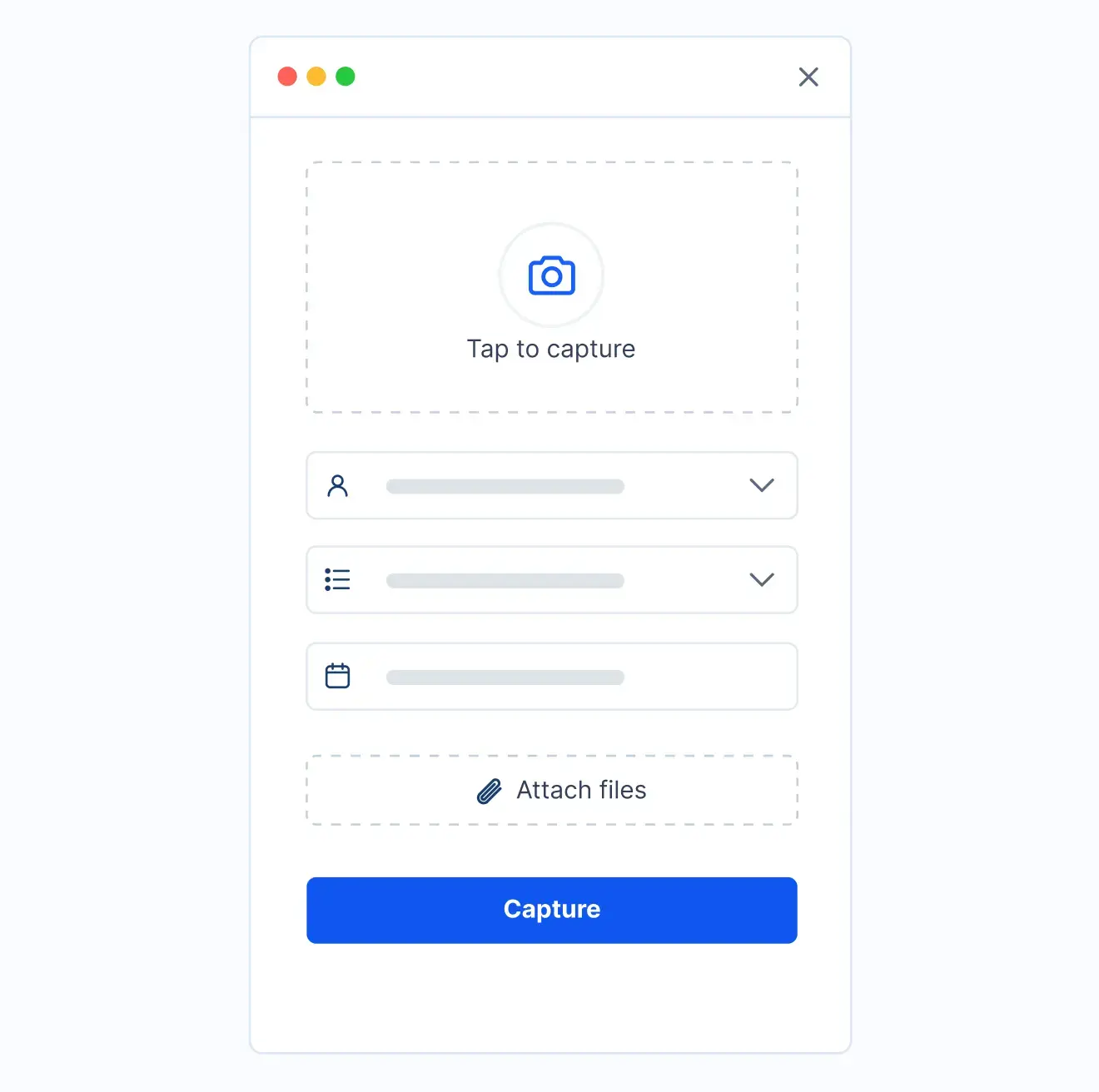
A registration event, TA assignment, or a manual guest-access request triggers a Canvas access request.
Review
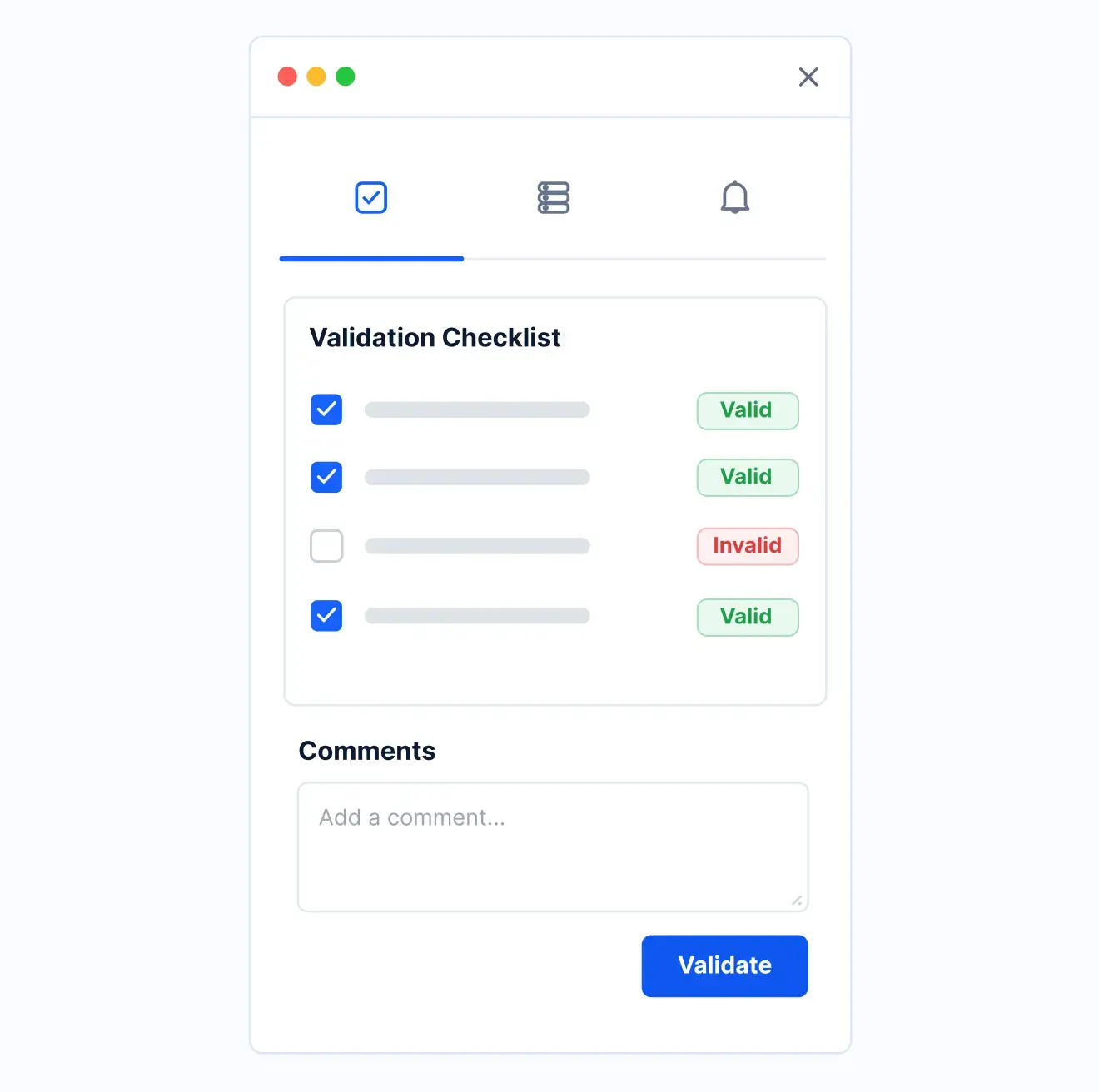
Guest, auditor, or TA access routes to the instructor or department for approval.
Approve
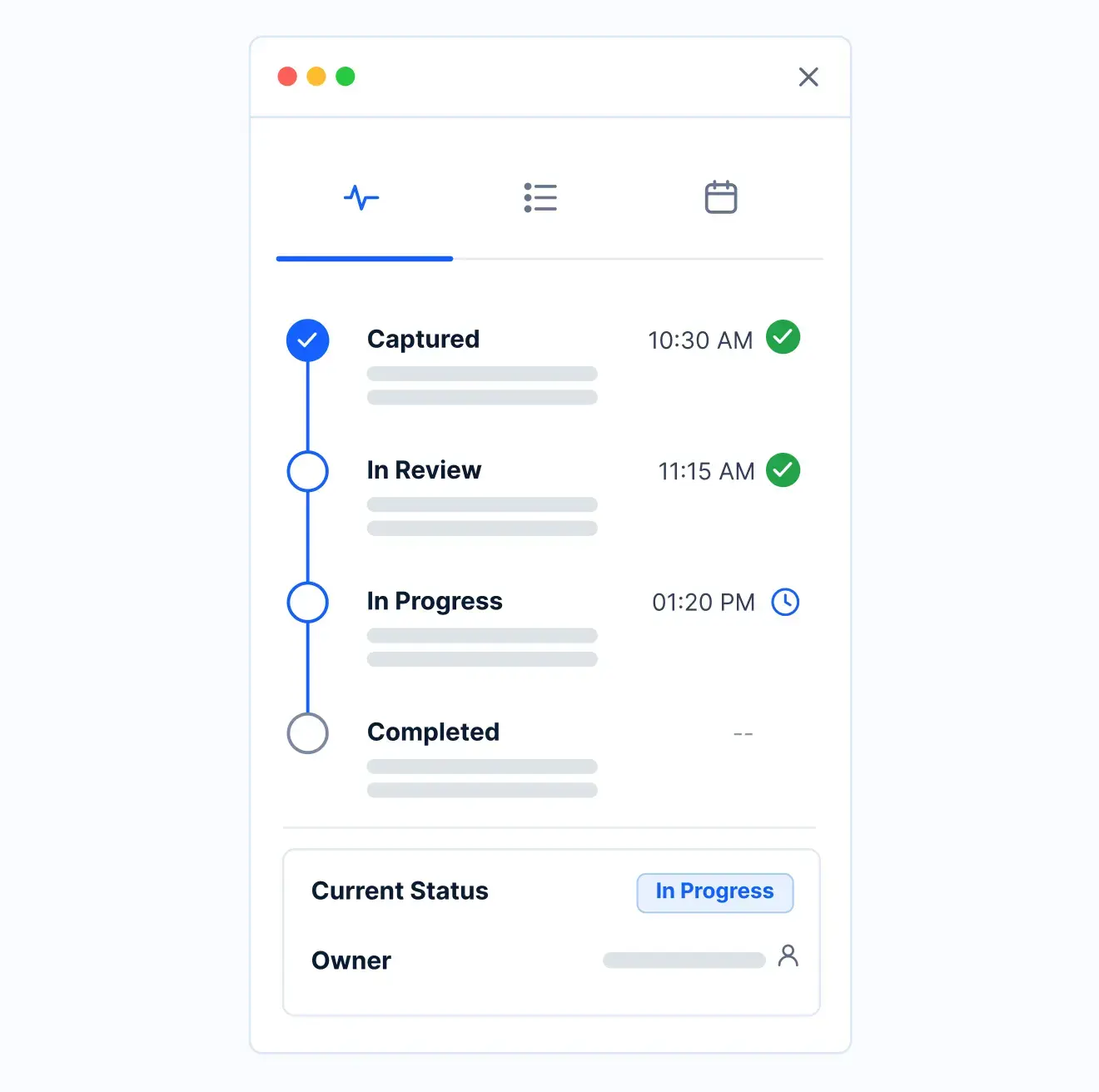
Approved access is scheduled to activate and deactivate against the academic term dates.
Record
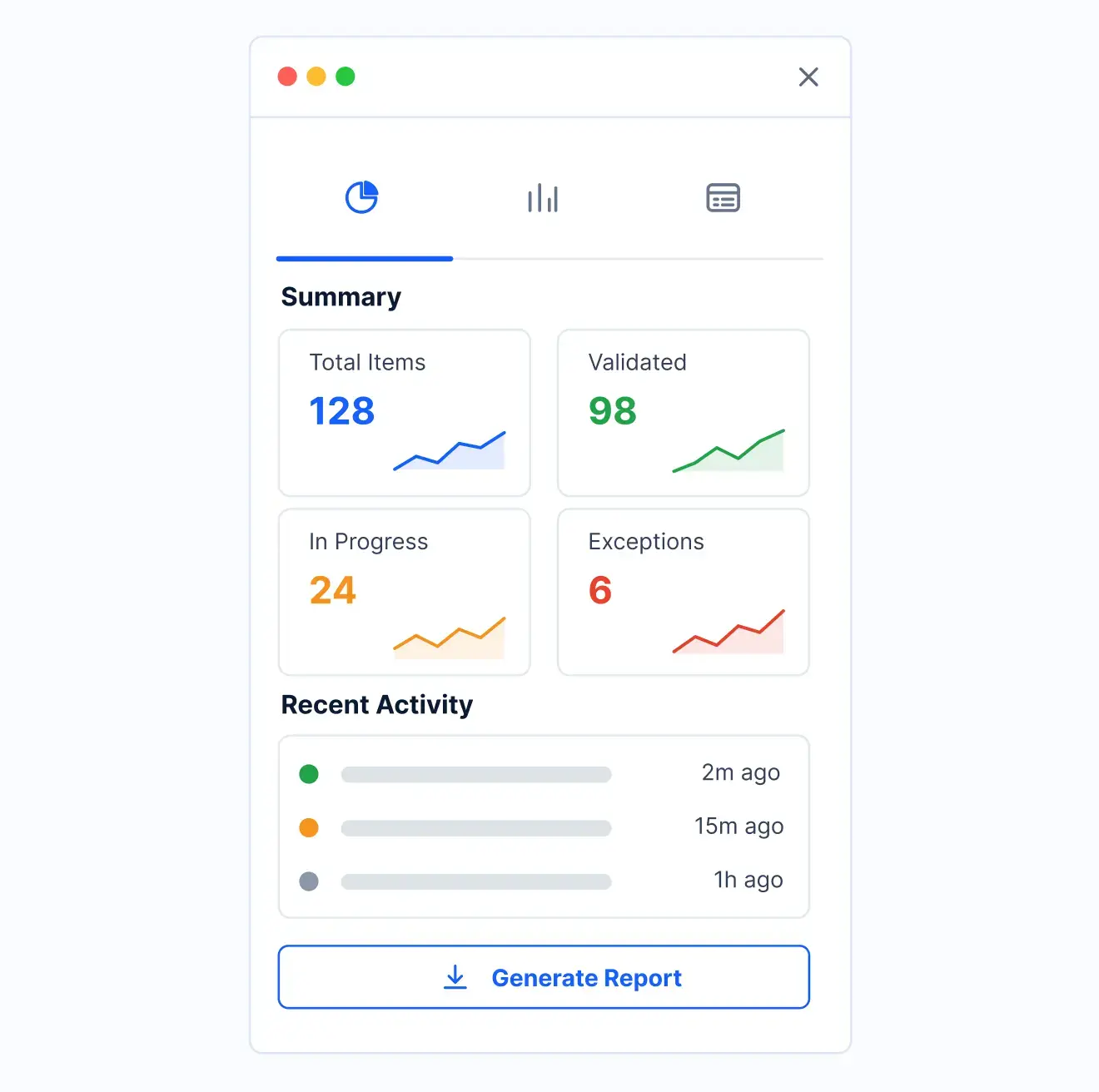
When the term closes, access is removed on schedule and logged in the register.
What changes when Canvas access runs on Kissflow
| Process | Before Kissflow | On Kissflow |
|---|---|---|
| Access request | Filed as a separate help desk ticket after registration | Triggered automatically by the registration event |
| Approval | Non-standard access granted without a consistent sign-off | Routed to the instructor or department before it's granted |
| Scheduling | Access turns on and off whenever a ticket is processed | Scheduled to the term's actual start and end dates |
| Access register | Scattered across Canvas admin logs | A single register of who has access and why |
| Deactivation | Depends on someone noticing and filing a ticket | Happens automatically at term close |
| Exception visibility | Discovered during a security review | Flagged on a dashboard before it becomes a finding |
Connects to Canvas and your SIS; the access itself lives in Canvas
Kissflow does not replace Canvas as the system where the access itself lives. It governs the request, approval, and scheduled deactivation around it, so access doesn't outlive the reason it was granted.
.svg)



.svg)
.svg)
.svg)
.svg)

.svg)
.svg)
.svg)
.svg)
.svg)

.svg)

.svg)

.svg)
.svg)
.svg)
.svg)
.svg)
.svg)
.svg)
.svg)
.svg)

.svg)
Built for how course access actually needs to track a term
Scheduled to the term, not a ticket queue
Access activates and deactivates against the academic calendar automatically, without a manual step at either end.
Non-standard access approved consistently
A guest, auditor, or TA request routes for instructor sign-off every time, not only when someone remembers to ask.
An ERP and LMS-adjacent access layer
Canvas remains the system that holds the access itself. Kissflow governs the request, approval, and scheduled deactivation around it.
Live before your next term starts
Registrar and IT staff configure scheduling rules and approval routing in the visual builder.
Stale access surfaces before an audit does
Access that should have deactivated but didn't shows up on a dashboard, not in a security finding.
A register that answers who and why
Every access grant is tied to a reason, a request type, and an approver, searchable at any time.
Related apps
Create and Update Banner Access Management System
Module-level Banner access requests with SoD checks, approval, and recertification.
Faculty Access Entitlements in IAM Management System
See the broader entitlement governance layer this Canvas-specific app fits underneath.
Apply Remove Access Hold Management System
Approval-routed holds and releases with a full register and student-facing status.
We help registrar and IT teams keep Canvas access tied to an actual reason to have it
.gif)

“If a company cannot enable everybody to use AI, they will never get the true benefit of AI. Platforms like Kissflow allow us to put that capability in the hands of our users in a safe way.”
Vagesh Dave
GVP & CIO at McDermott International, Ltd
See The Full Story

“Advanced automation of all processes is easy to set up. I cannot imagine how to manage workflows without this software.”
Tanay Tiwary
Global Head - Digitalization & Business Improvement
See the Full Story

“Kissflow supports rapid application development by building a working application prototype in the shortest amount of time.”
Maria Theresa Cabigon
CIO, SN Aboitiz Power Group
See The Full Story
See what Kissflow can do for you
Talk to usGot questions? We're here to help.
Get SupportFaculty Access Entitlements in IAM is the umbrella governance layer covering the full range of systems a faculty member might need. This app is the Canvas-specific implementation, scheduled specifically to registration and term dates.
This governs course-level LMS access tied to registration and term dates. Create and Update Banner Access governs module-level ERP access with segregation-of-duties checks, a different system and a different risk profile.
Yes, for standard enrollment access. Non-standard access, guest, auditor, or TA, routes for approval before it's granted.
No. Canvas remains the system where the access itself lives. This app governs the request, approval, and scheduled deactivation around it.
Yes. Scheduling rules and approval routing are configured in the visual builder, and the AI Builder can generate a starting workflow from a plain-language description of your access policy.
Through APIs and integration connectors, under single sign-on and role-based access, with every access grant and deactivation written to an audit log.
Configuration and AI-assisted setup move rollout to weeks, without a Canvas implementation project.
Kissflow is certified to SOC 1, SOC 2, SOC 3, and ISO/IEC 27001, supports HECVAT review for procurement, and is built to support FERPA and GLBA Safeguards obligations, with data residency options in the US, EU, APAC, and Oceania.











