Non-PO Payment Approval Management System for Urgent Site Payments
Kissflow routes an urgent payment that cannot wait for a purchase order, an emergency repair, a customs charge, a local contractor at a remote site, through GL coding validation and multi-level approval before release, with reconciliation tracked after the fact.

Trusted by energy operators worldwide




A well-site emergency does not wait for a purchase order to clear procurement.
A pump fails at a remote site and the only contractor who can fix it today wants payment before he even starts the job, with no time to raise and route a purchase order first through the normal channel. These payments are legitimate and often necessary to keep a site running, but without a structured path they get pushed through informally on someone's authority, GL coding gets sorted out later or not at all, and finance ends up chasing paperwork weeks after the money is already gone and the contractor has moved on.
Kissflow captures the request with a written justification and vendor detail, validates GL coding automatically before it ever reaches an approver, routes it through the right level of approval based on the payment amount, and tracks the retrospective reconciliation, a PO or a three-way match, wherever policy requires one after the fact. A dashboard tracks non-PO payment volume and reconciliation status, so an emergency exception stays visible instead of disappearing into the general ledger.
Finance leads configure approval thresholds and GL validation rules themselves in the visual builder, so an emergency payment moves fast without ever becoming an unrecorded one.
Where a non-PO payment loses its trail after the money moves
No structured justification
An urgent payment request explains itself verbally, not on a record.
GL coding is an afterthought
Coding gets sorted out after the payment, if it gets sorted at all.
Approval is informal
Whoever is reachable approves, regardless of the amount involved.
Reconciliation gets skipped
A retrospective PO or match that policy requires never actually happens.
Six modules. Every urgent payment tied to a justification and a validated code.
Configure approval thresholds and GL validation rules by site.
Payment request
An urgent payment is requested with a written justification, vendor detail, and the reason a PO could not be raised first.
GL coding validation
The request is validated automatically against the correct GL code before it ever reaches an approver's desk.
Multi-level approval
The request routes through the right level of approval automatically, based on how large the payment is.
Payment release
The approved payment is released to the vendor and logged immediately against the site, the GL code, and the approver who cleared it.
Retrospective reconciliation
Where policy requires one, a retrospective PO or three-way match is tracked to completion after the payment goes out.
Audit reporting
A dashboard tracks non-PO payment volume and reconciliation status, so exceptions stay visible instead of buried.
From request to system of record in four steps
Submit
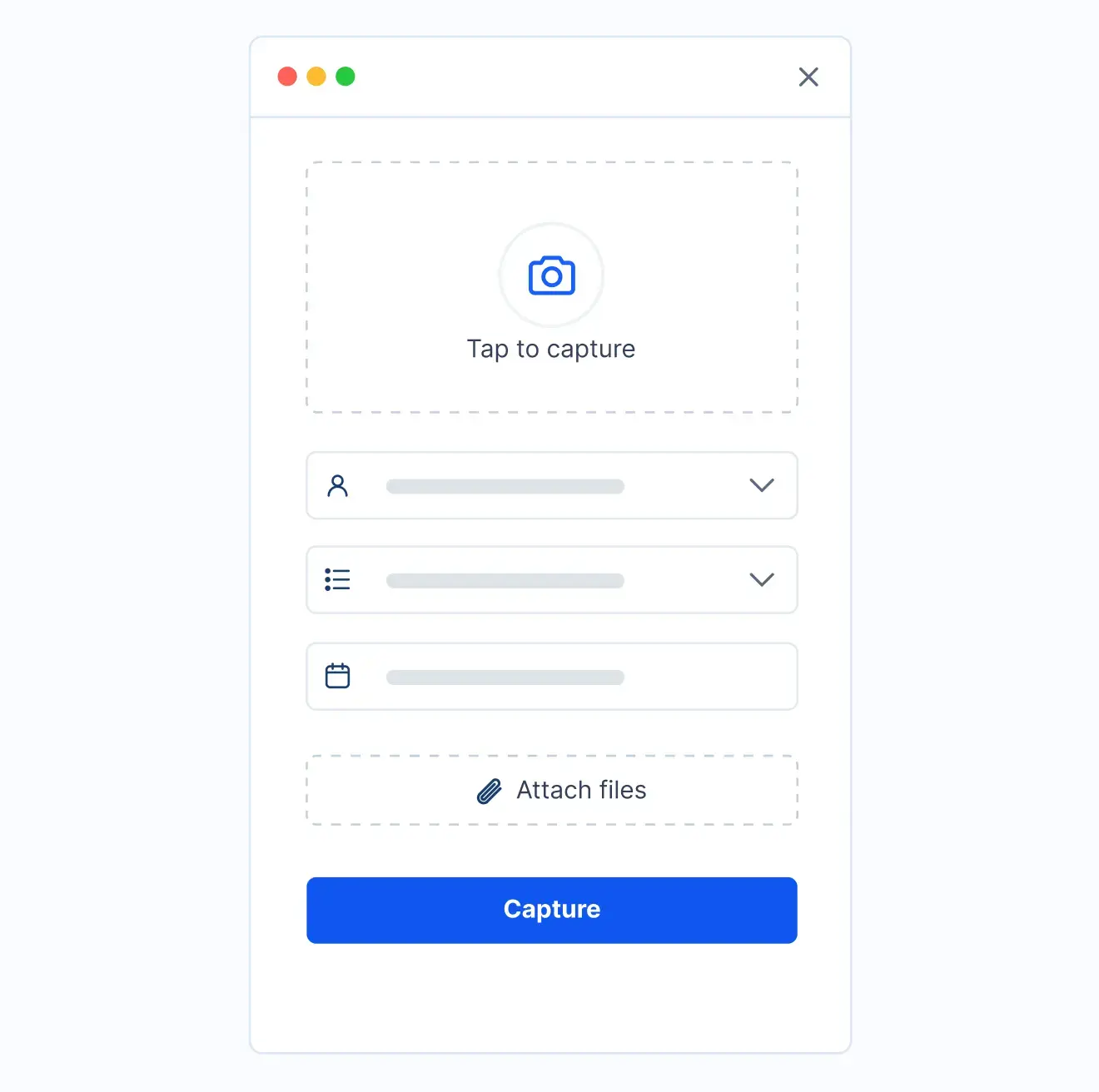
An urgent payment is submitted with a written justification and the vendor's detail attached.
Review
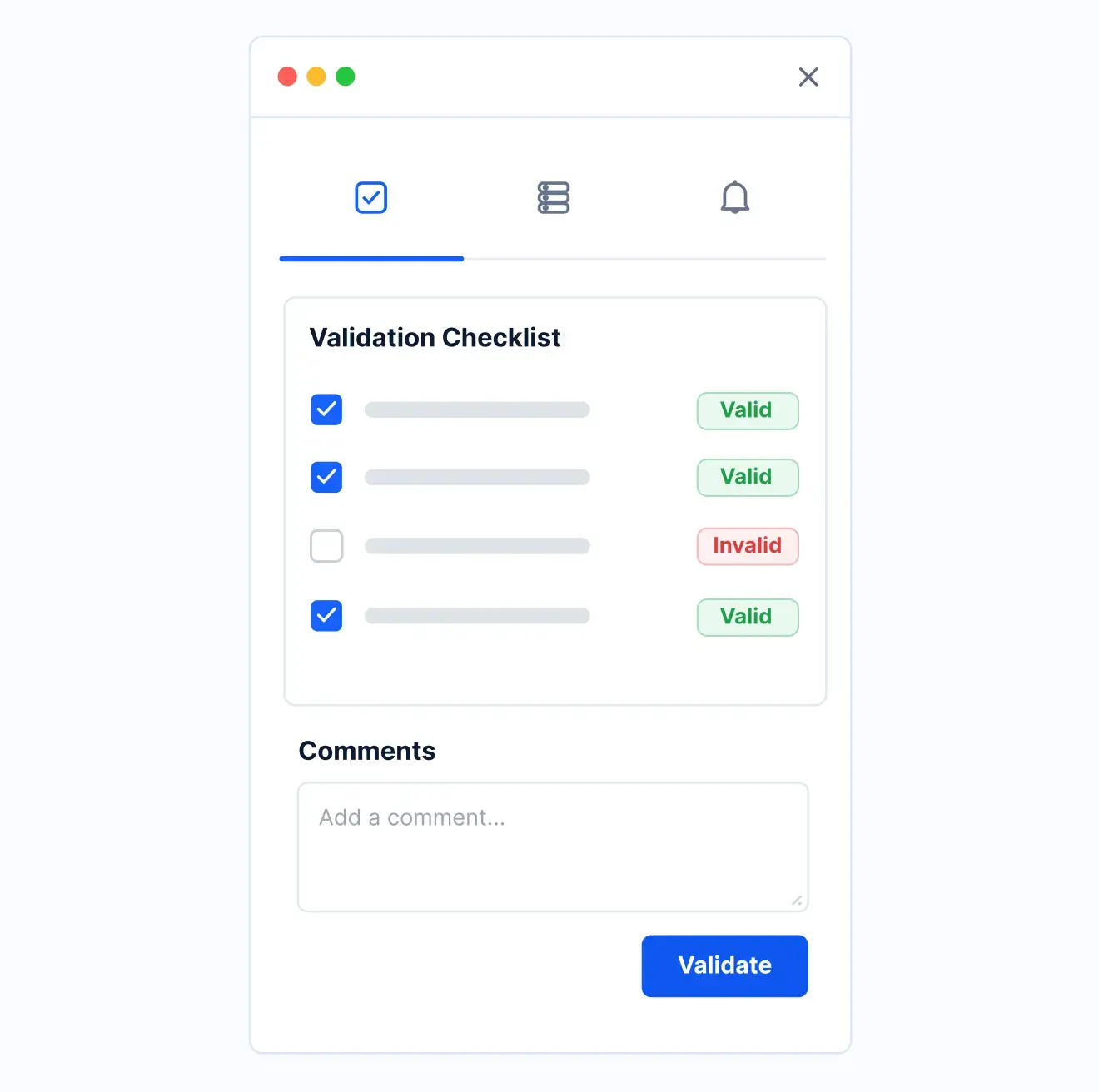
The correct GL code is validated automatically before the request advances to an approver.
Approve
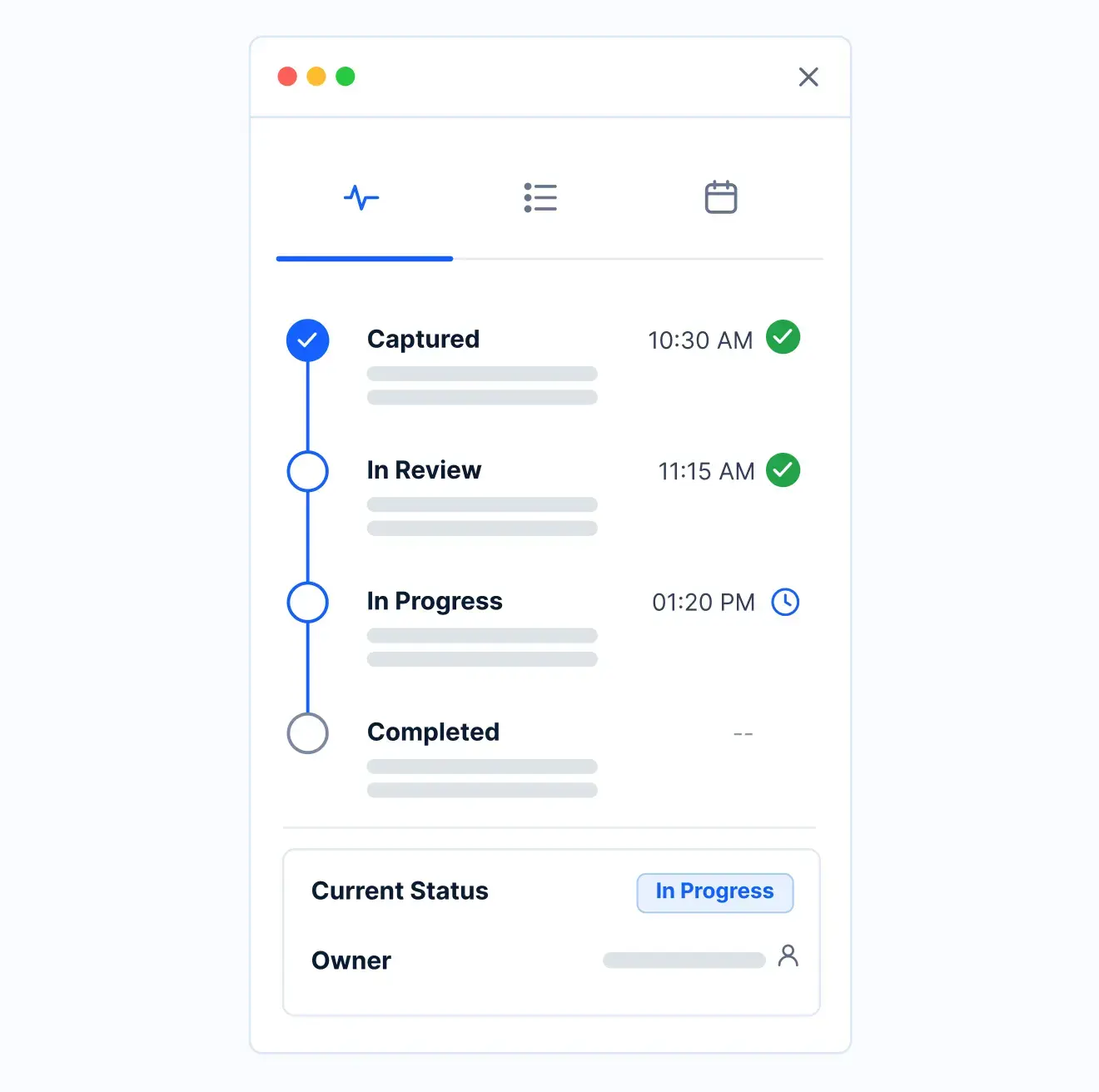
The request routes through the right level of approval, and the payment is released to the vendor.
Record
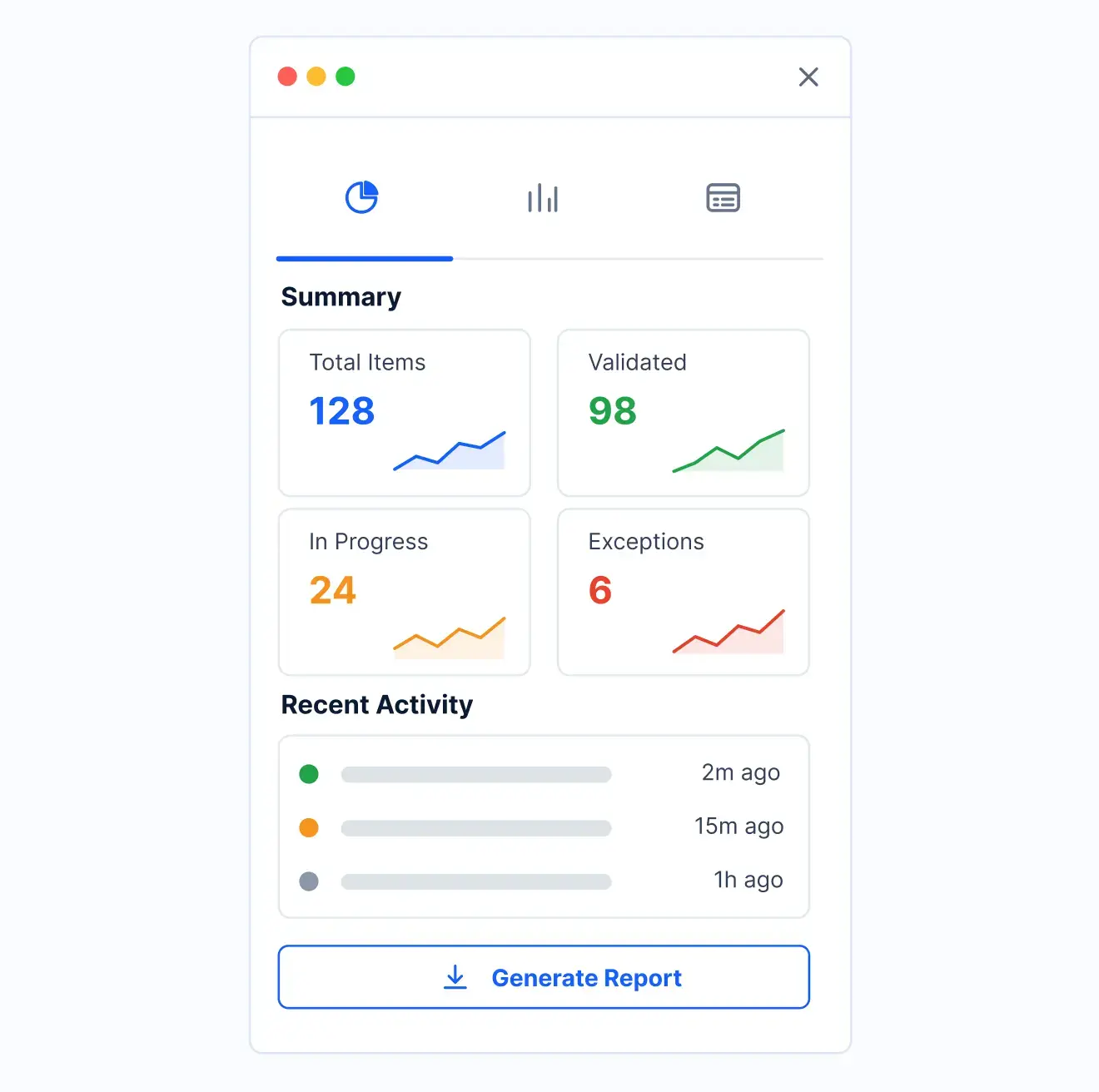
A required retrospective PO or three-way match is tracked to completion after the fact.
What changes when non-PO payments run on Kissflow
| Process | Before Kissflow | On Kissflow |
|---|---|---|
| Payment request | Verbal, urgent, undocumented | A structured request with justification |
| GL coding | Sorted out after payment | Validated before approval |
| Approval | Whoever is reachable | Routed by amount to the right level |
| Payment release | Untracked | Logged against the approved request |
| Reconciliation | Skipped | Tracked to completion after the fact |
| Audit visibility | None until an audit asks | A dashboard of every non-PO payment and its status |
Connects to your ERP and accounts payable system; Kissflow does not replace your payment system of record
Kissflow runs the request, validation, and approval layer for urgent payments. Your ERP releases and records the actual payment.
.svg)



.svg)
.svg)
.svg)
.svg)

.svg)
.svg)
.svg)
.svg)
.svg)

.svg)

.svg)

.svg)
.svg)
.svg)
.svg)
.svg)
.svg)
.svg)
.svg)
.svg)

.svg)
Built for how an urgent site payment actually needs to move
GL coding checked before approval
A payment does not reach an approver miscoded.
Approval sized to the amount
A small emergency payment and a large one follow different paths.
Reconciliation that does not get skipped
A required retrospective match is tracked, not forgotten.
Live in weeks
Configure thresholds in the visual builder, or describe the use case to the AI Builder.
Governed from day one
Role-based access and a full audit trail on every payment.
One view for finance
Every non-PO payment and its reconciliation status in one place.
We help finance teams move fast on urgent payments without losing the trail
.gif)

“If a company cannot enable everybody to use AI, they will never get the true benefit of AI. Platforms like Kissflow allow us to put that capability in the hands of our users in a safe way.”
Vagesh Dave
GVP & CIO at McDermott International, Ltd
See The Full Story

“Advanced automation of all processes is easy to set up. I cannot imagine how to manage workflows without this software.”
Tanay Tiwary
Global Head - Digitalization & Business Improvement
See the Full Story

“Kissflow supports rapid application development by building a working application prototype in the shortest amount of time.”
Maria Theresa Cabigon
CIO, SN Aboitiz Power Group
See The Full Story
See what Kissflow can do for you
Talk to usGot questions? We're here to help.
Get SupportNo. Your ERP releases and records the actual payment. Kissflow runs the request, GL validation, and approval layer.
Typically for urgent, unplanned spend where waiting to raise a purchase order is not practical, subject to your policy.
Yes, coding is validated as part of the request before it reaches an approver.
Yes, thresholds route larger payments through additional approval.
Yes, a required retrospective PO or three-way match is tracked to completion.
Yes, the request form is mobile-friendly for field-based requesters.
Configuration and AI-assisted app generation move delivery from a multi-month program to a matter of weeks.
Kissflow is certified to SOC 1, SOC 2, SOC 3, and ISO/IEC 27001, with role-based access on every record.











