Kissflow empowers citizen developers to build powerful enterprise applications with minimal coding. Get started today and transform your business operations.
AI-Powered Enterprise Low-Code Platform
One Unified Platform
for Enterprise App Development
Kissflow gives you apps, workflows, data, analytics, and portals in a single platform.
By signing up, I accept the Kissflow Terms of Service and Privacy Policy.
Trusted by leading enterprises






Multiple
Multiple products, not one.
Building a basic app means coordinating Power Apps, Power Automate, Power BI, Dataverse, and Power Pages.
Pricing
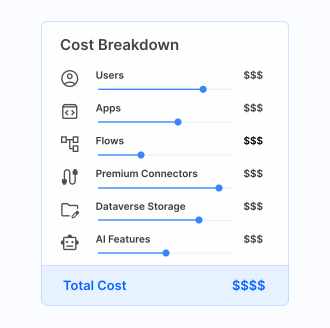
Pricing that compounds
Power Platform meters users, apps, flows, premium connectors, Dataverse, and AI separately.
IT
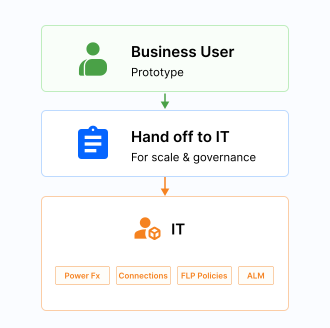
IT owns everything that scales.
Business users can prototype, but Power Fx, connectors, DLP policies, and ALM all require IT.
Governance
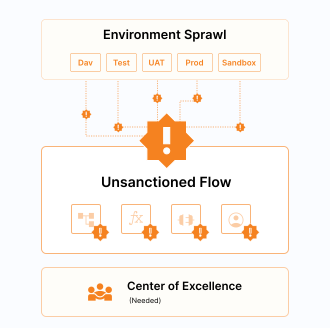
Governance becomes a project
Environment sprawl and unsanctioned Power Automate flows force a dedicated Center of Excellence.
AI-led
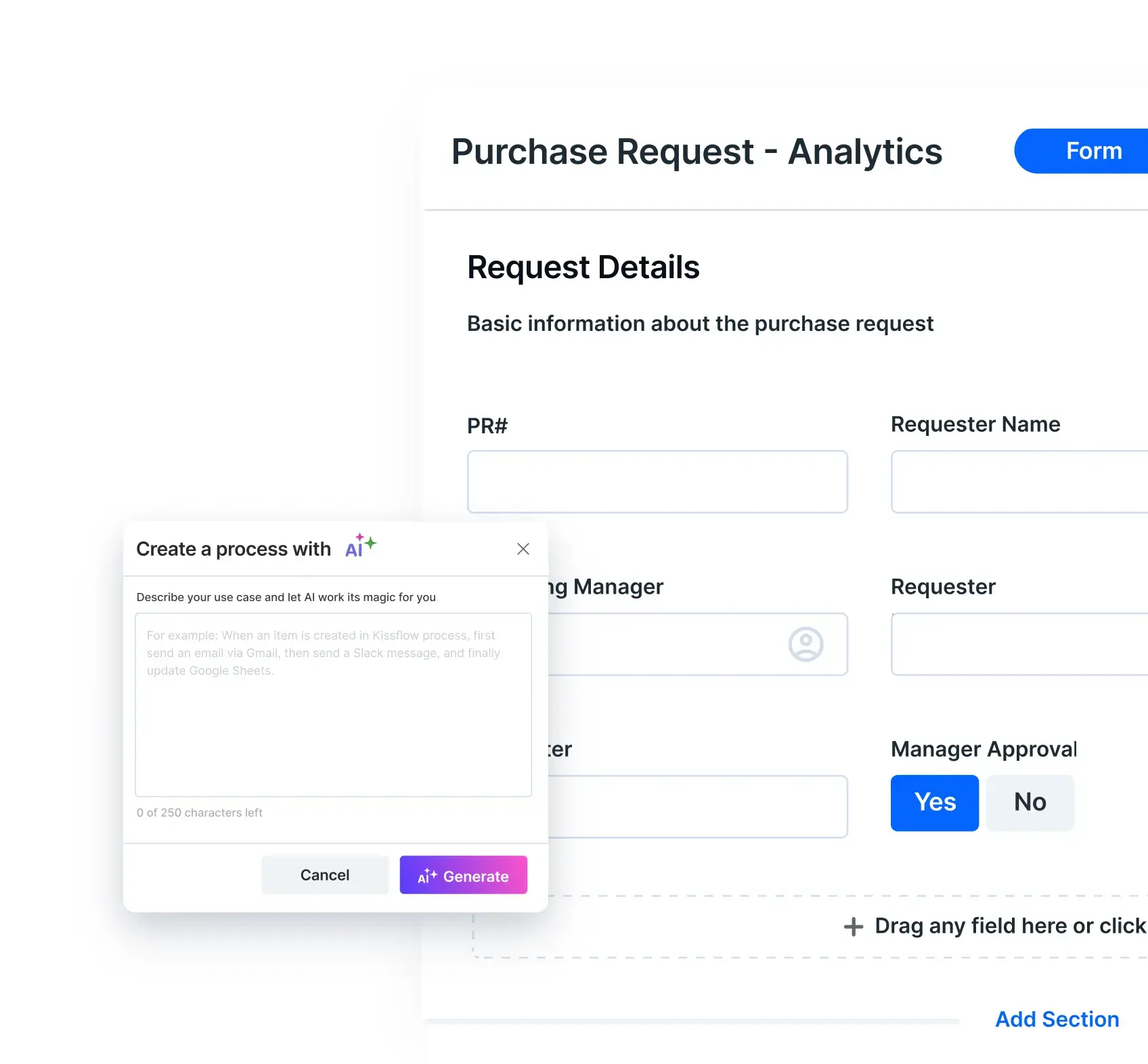
Build with AI, refine visually
- Describe workflows in plain language — AI builds the initial structure, you refine in the visual builder
- Design forms with drag-and-drop — no code, just logic
- Add parallel branches, conditional steps, and dynamic assignments
- Set SLAs, trigger notifications, and govern data visibility
Developer Sandbox
Foster growth with data
- Facilitate collaboration by sharing and managing data views, reports, and dashboards
- Use pre-built dashboards to track key metrics like completion time and status summaries
- Enhance your analysis by integrating Kissflow with BI tools like Power BI and Tableau
- Turn spreadsheets into clear, decision-supporting visuals with charts and pivot tables
Application Deployment
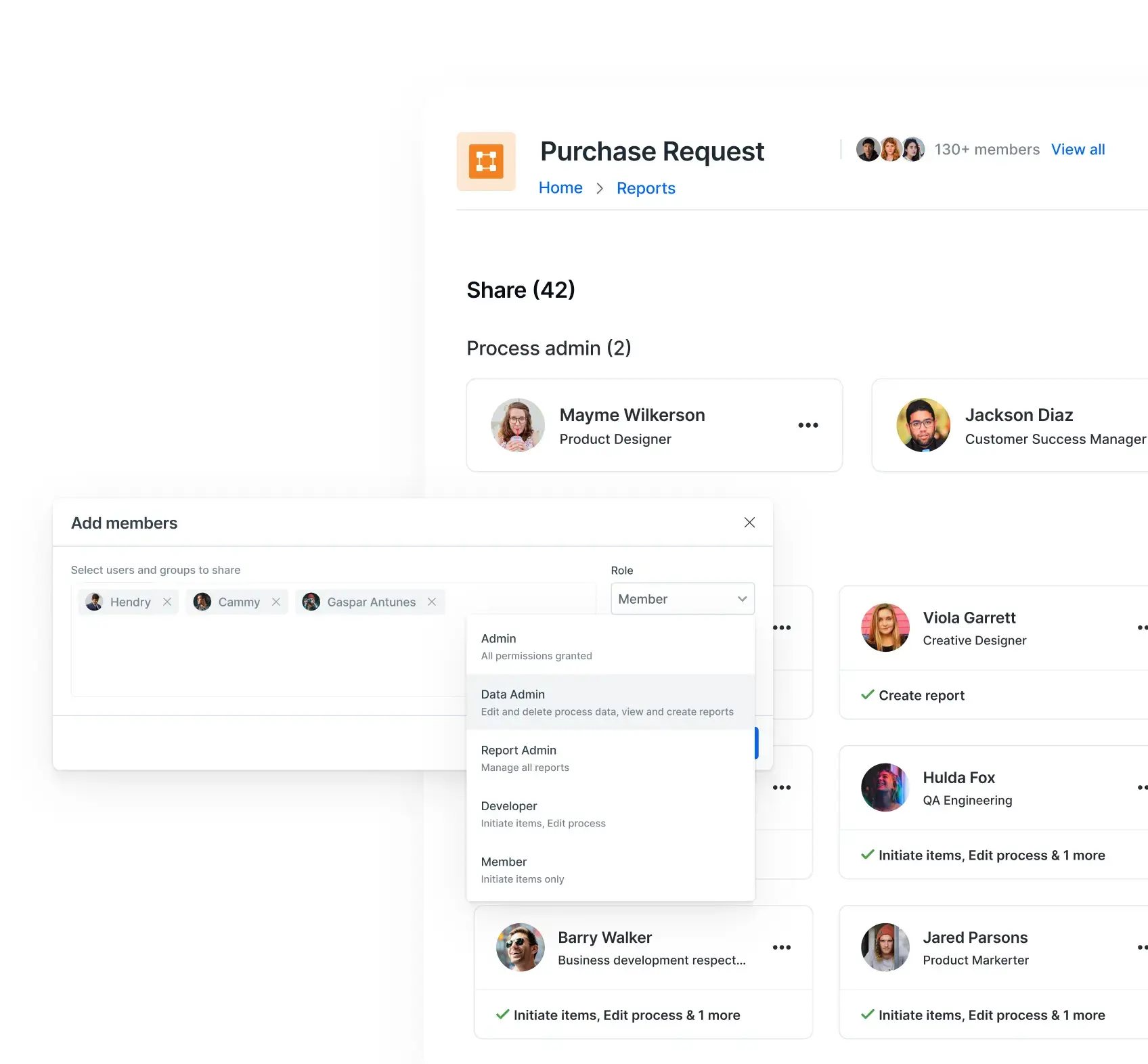
Secure and oversee your apps
- Monitor performance to ensure easy operations and enhanced security
- Analyze user behavior to address and prevent suspicious activities
- Allocate access control for apps and data with role-specific permissions
- Review a comprehensive log of actions and events within your account
- Apply granular access controls to safeguard sensitive data
AI-led
Build with AI, refine visually
- Describe workflows in plain language — AI builds the initial structure, you refine in the visual builder
- Design forms with drag-and-drop — no code, just logic
- Add parallel branches, conditional steps, and dynamic assignments
- Set SLAs, trigger notifications, and govern data visibility
Developer Sandbox
Foster growth with data
- Facilitate collaboration by sharing and managing data views, reports, and dashboards
- Use pre-built dashboards to track key metrics like completion time and status summaries
- Enhance your analysis by integrating Kissflow with BI tools like Power BI and Tableau
- Turn spreadsheets into clear, decision-supporting visuals with charts and pivot tables
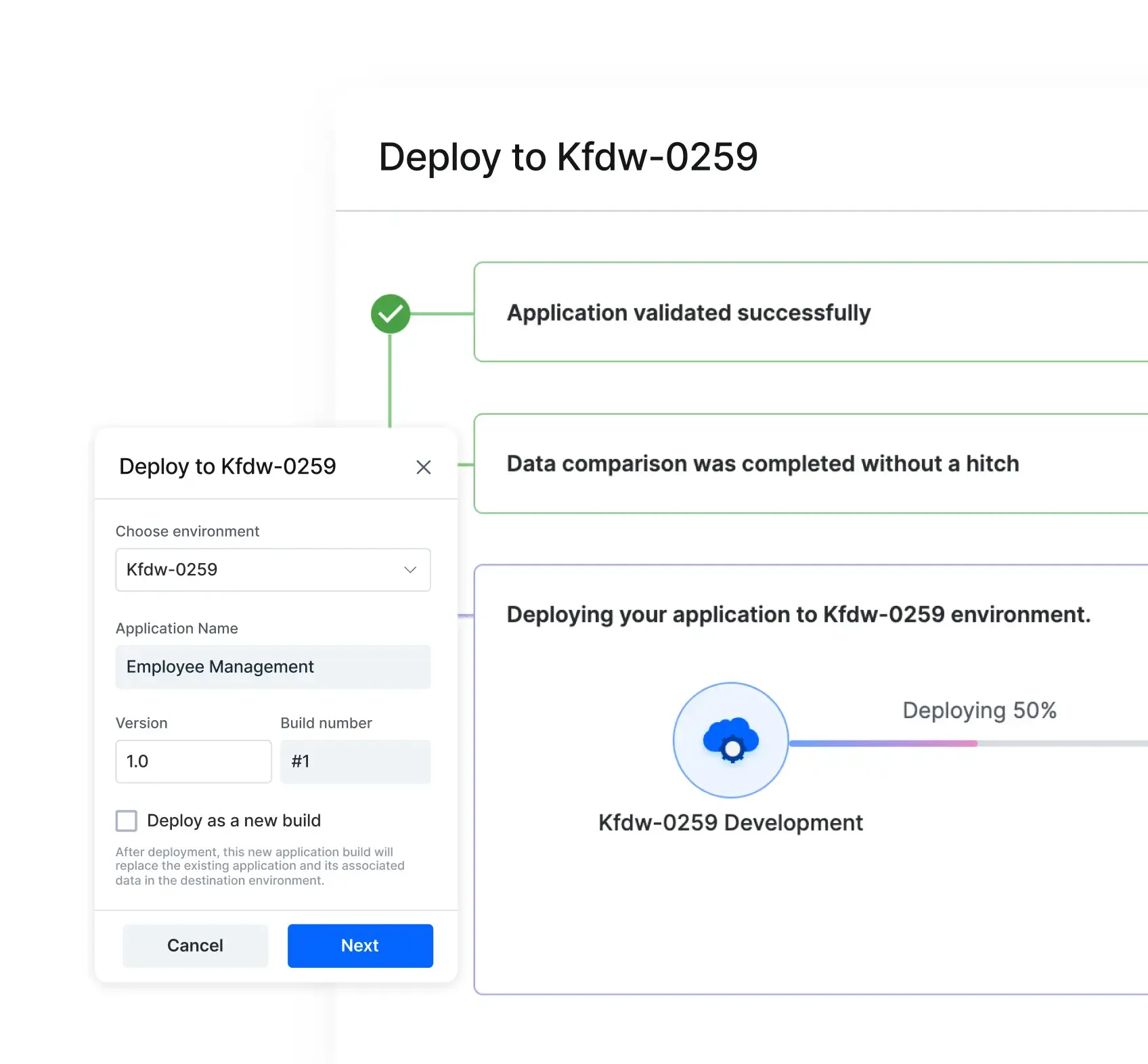
Application Deployment
Secure and oversee your apps
- Monitor performance to ensure easy operations and enhanced security
- Analyze user behavior to address and prevent suspicious activities
- Allocate access control for apps and data with role-specific permissions
- Review a comprehensive log of actions and events within your account
- Apply granular access controls to safeguard sensitive data
Kissflow empowers citizen developers to build powerful enterprise applications with minimal coding. Get started today and transform your business operations.
Kissflow empowers citizen developers to build powerful enterprise applications with minimal coding. Get started today and transform your business operations.


Trusted by 195+ Customers
Kissflow empowers citizen developers to build powerful enterprise applications with minimal coding. Get started today and transform your business operations.
Kissflow empowers citizen developers to build powerful enterprise applications with minimal coding. Get started today and transform your business operations.
Kissflow empowers citizen developers to build powerful enterprise applications with minimal coding. Get started today and transform your business operations.
Recognized by
WAVE REPORT
The Forrester Wave™:
Low-Code Platforms For Citizen Developers, Q1 2024
For Low-Code Development Platform

For Enterprise Low-Code/No-Code Applications


INDUSTRY
Retail
HEADQUATERS
Germany
“Advanced automation of all processes is easy to set up. I cannot imagine how to manage workflows without this software.”
Tanay Tiwary
Global Head - Digitalization & Business Improvement
Watch Story KEY HIGHLIGHTS
450+
Processes automated
70%
Reduction in manual effort
3x
Faster deployment


INDUSTRY
Energy
HEADQUATERS
Philippines
“Kissflow supports rapid application development by building a working application prototype in the shortest amount of time”
Maria Theresa Cabigon
CIO
Watch Story KEY HIGHLIGHTS
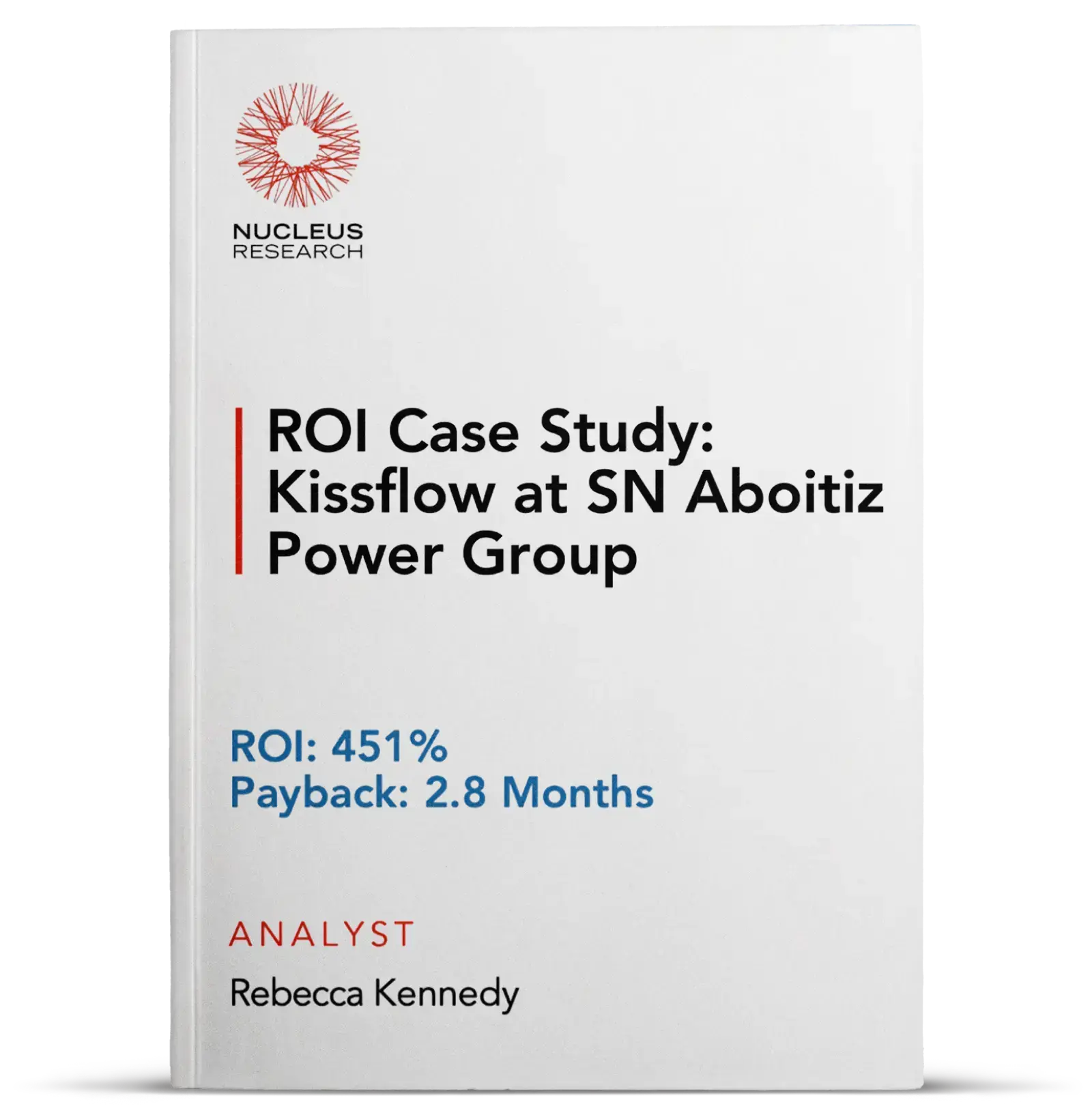
451%
ROI achieved
2.8
Months payback period
100+
Workflows deployed

.png)
INDUSTRY
IT Consulting
HEADQUATERS
Germany
“Everyone uses Kissflow. It requires no previous training. The platform is very intuitive and user-friendly.”
Antonio Serpa Pinto
Head of IT
Watch Story KEY HIGHLIGHTS
10x
Faster app delivery
500+
Users onboarded
0
Training hours needed












