



Workflow for Google Apps within G Suite
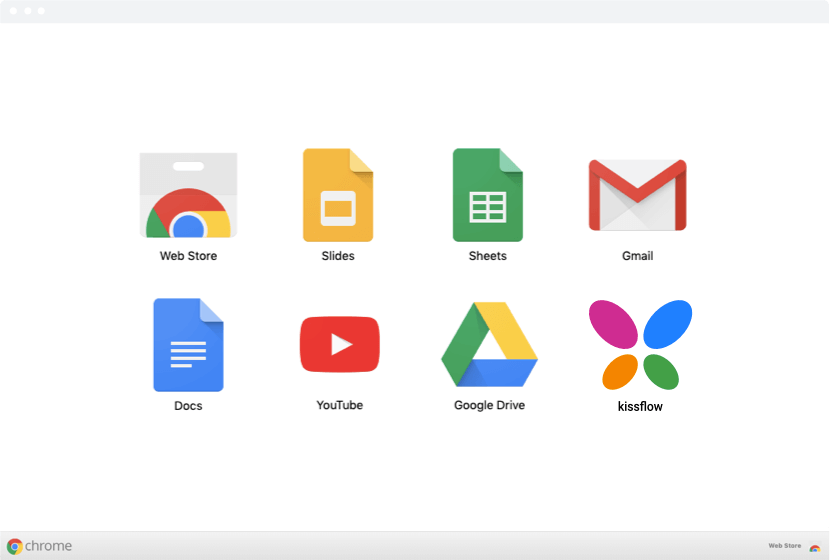
Access Your Kissflow Workflows from right within your Google Apps Suite. Once installed from the Google Apps Marketplace, Kissflow will be available to all your colleagues in the Google Apps Pull Down Menu.

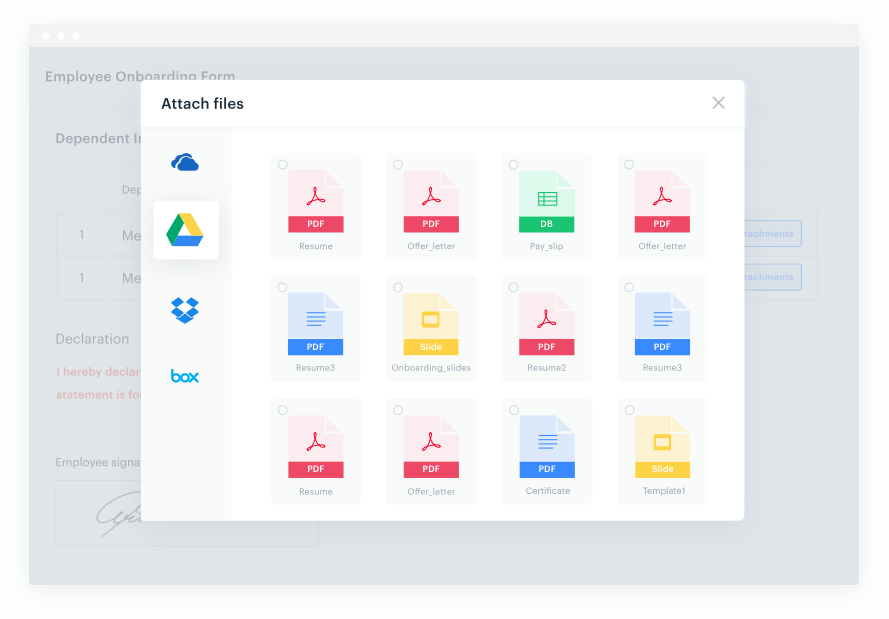
Attach documents from Google Drive
Attach supporting documents for your requests on the fly. We deeply integrate with Google drive and you can access and attach your documents from within Kissflow.

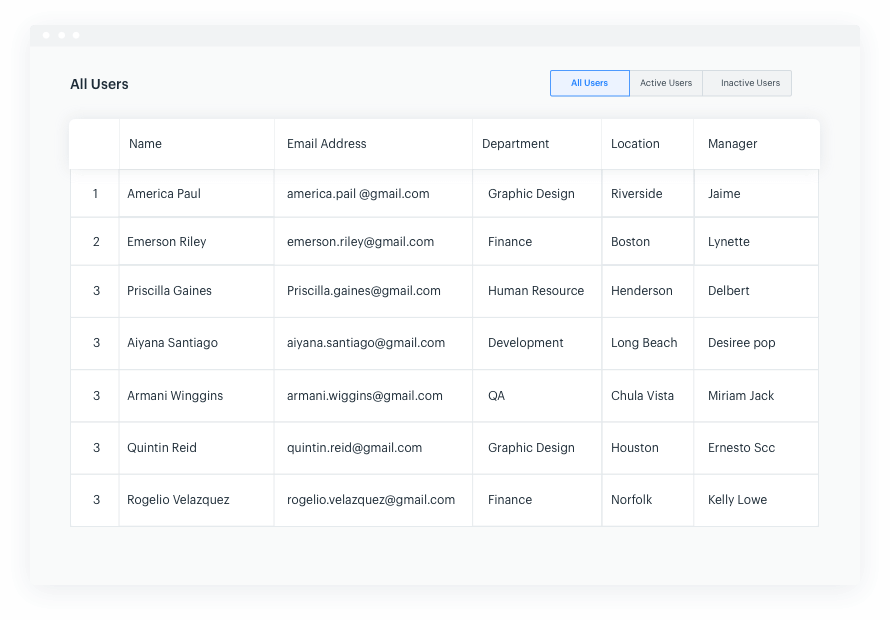
Sync with your Google Admin Console
Administration and Provisioning of users is as simple as clicking a button. We Sync your user base and your groups from Google to reduce your administrative burden.

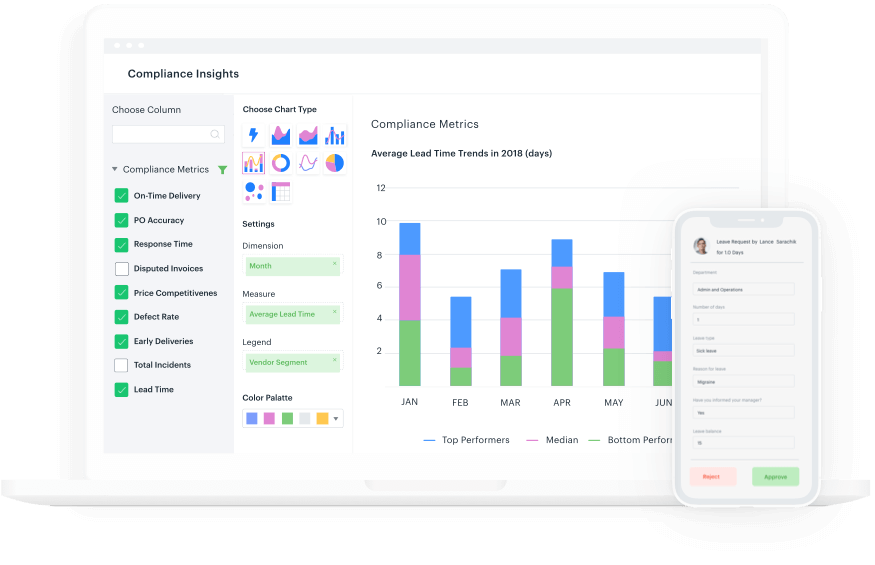
Access anywhere. Anytime.
Connect Kissflow to all of your essential workflow automation tools
- G Suite
- Office 365
- Thousands of integrations through our friendly APIs

"The beauty of Kissflow is how quick and easy it is to create the apps I need. It is so user-friendly that I made exactly what I needed in 30 minutes."
Oliver Umehara
SoftBank Telecom

"Kissflow improved our global incentives program by reducing time and eliminating errors. Our international nominees are thankful for the quick process!!"
Brian Trier
Dominos

"As an organisation, the word Kissflow is now synonymous with quality and staff of all levels have embraced the platform and all speak highly of it."
Craig Buck
Warwickshire College Group











